I used to make videos one at a time. Script Monday, film Tuesday, edit all week, panic-upload Friday. Every. Single. Week. It was exhausting, and honestly? The quality suffered because I was always rushing.
Then I switched to batching. And I genuinely don't know how I survived before it.
Batch producing YouTube content is the thing that separates creators who burn out after six months from the ones who are still posting two years later. It's not some advanced secret only big channels know about. It's a system. And systems beat motivation every single time.
What Batch Producing YouTube Content Actually Means
Real quick: batching doesn't mean making ten videos in one day. It means grouping similar tasks together across multiple videos instead of doing every task for one video before moving to the next.
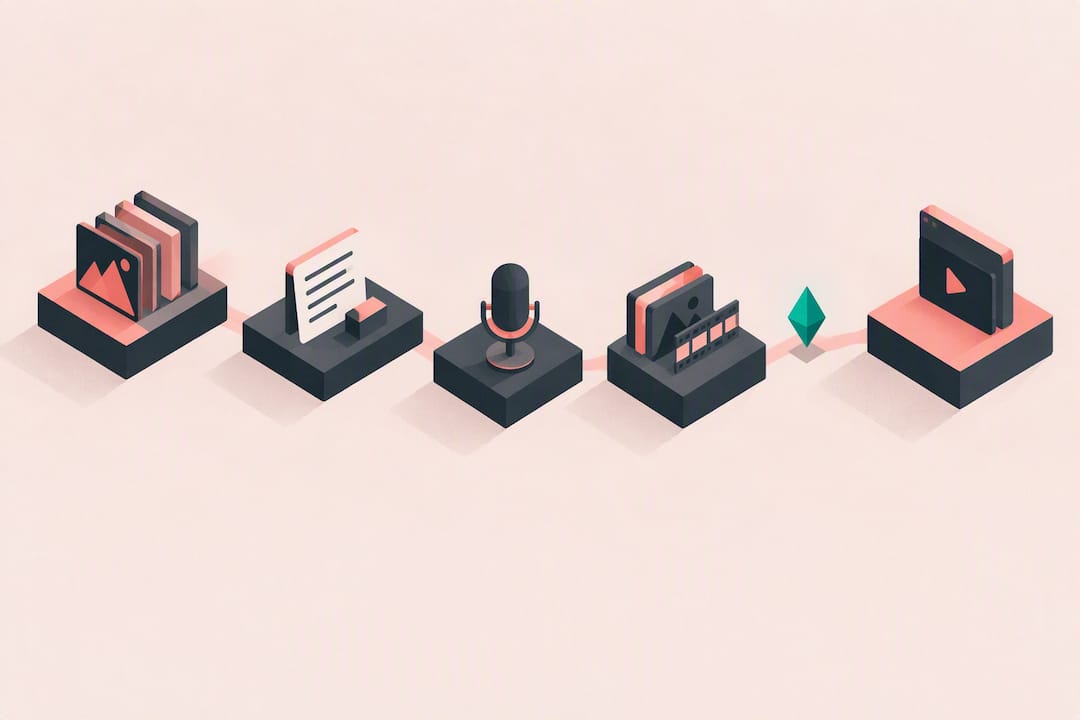
So instead of script, film, edit, publish for Video 1, then script, film, edit, publish for Video 2... you script five videos in one sitting. Then you film five videos in one session. Then you edit five videos in a row. You're always in one mental mode, and that makes everything faster and less draining.
Most creators I know who batch properly are sitting on 2 to 4 weeks of content at any given time. That buffer is everything. It means a sick day doesn't kill your upload schedule. It means you can take a vacation without the channel dying. It means you can be thoughtful instead of panicked.
Step 1: Research and Plan in Bulk
Don't pick one video topic and run with it. Sit down once a month and plan your next 8 to 12 videos in a single session. Look at search volume, check what's performing in your niche, see what questions your audience keeps asking in the comments.
I usually block out a Sunday afternoon with a coffee and just go deep on research. By the end of it, I've got a full month of ideas with rough angle notes for each one. It takes maybe two hours total. Compare that to spending 30 minutes every week staring at a blank document wondering what to make next.
Do your keyword research here too. Figure out which search terms you're going for with each video before you ever write a word of the script. That way your scripts are built around the right phrases from the start instead of awkwardly stuffing keywords in at the end.
Step 2: Write All Your Scripts Back to Back
This is where the real time savings kick in. Writing scripts one after another, while you're already in "writing mode," is dramatically faster than context-switching between creative and analytical work every few days.
I'll typically write three to five scripts in a single long work session. The first one always takes the longest. By the third or fourth, you're in a groove and the words just flow. It's the same reason novelists don't write one chapter and then go do their taxes and then come back.
If you're struggling with scripts, AI writing tools have gotten genuinely good at this. Voclify's script generator is one I keep coming back to, especially for faceless channels where you need a solid structured narrative quickly. It's not going to write the whole thing for you without any input, but as a starting point and structure tool it's solid. Pair it with your own voice and you've got something workable in a fraction of the time.
Build templates too. Your intro structure, your outro CTA, your section transitions. These should basically be copy-paste at this point. Repeatable elements shouldn't be recreated from scratch every time.
One more thing worth separating out: keep your research phase completely distinct from your writing phase. If you're still looking things up mid-script, you're breaking the mental flow you worked to build. Research everything first, notes in hand, then write without switching modes.
Step 3: Film Everything in One or Two Sessions
Once your scripts are done, batch your filming days. Set up your camera, your lighting, your background once. Then film as many videos as you can back to back.
This sounds obvious but so many creators still don't do it. They set up the camera on Monday for one video, pack it all away, then set it up again on Thursday for another. That's two full setups and two full breakdowns for no reason.
On a good filming day I can knock out three or four videos. Yes, you'll need to change your shirt or adjust something between videos so they don't look identical. A simple wardrobe rotation works fine. And this is worth being deliberate about: film outfit changes even for videos that won't publish until weeks apart. Nothing gives away batched content faster than wearing the same thing across five consecutive uploads. If you're faceless, this entire point is even easier since you're recording voiceover or using stock footage anyway.
Plan your filming order intelligently too. If you have two videos that use the same background or lighting setup, film them consecutively. Group similar setups together. This is just basic logistics but it makes a surprising difference when you're already four videos deep and getting tired.
Start with your most important content first in any filming session. Energy naturally drops throughout the day, so front-load the videos where your delivery really matters.
Step 4: Edit in a Production Block
Editing is where most people's batch systems fall apart. They film everything in bulk but then edit videos one at a time as they need to upload them. That's not really batching anymore, that's just deferred individual production.
Actually block out dedicated edit days. I mean it. Put them in your calendar like appointments. The goal is to get all your raw footage from a filming session into finished (or near-finished) videos before you need any of them.
Create project templates in your editing software. Your color grade, your font choices, your intro animation, your lower thirds. All of this should already be set up and saved as a template. You should never be recreating the same settings from memory. That's wasted time every single project.
Export settings too. Know your preferred export settings cold, save them as a preset, and use batch export whenever your software allows it. Small things but they add up.
Step 5: Write All Your Metadata at Once
Titles, descriptions, tags. Write them all in one go once your videos are edited. Don't do this separately for each upload, it fragments your focus and makes you less consistent with formatting.
For descriptions especially, have a template. Your links section, your about section, your timestamps format. These should be mostly the same across videos with only the specific SEO content changing. That alone cuts your per-video metadata time in half.
Title writing is genuinely worth spending real time on though. A weak title on a great video is a tragedy. I'd say put as much effort into your title as you put into your thumbnail. If you want to test different angles quickly, Voclify's title generator is useful for brainstorming variations, not for copy-pasting AI titles directly, but for getting unstuck when you can't figure out the hook.
Step 6: Schedule Everything and Forget About It
This is the payoff. Once everything's produced and your metadata is written, schedule all your uploads in YouTube Studio. Pick your dates and times, set them, and move on to producing the next batch.
That feeling of having four videos scheduled and just... waiting to go out? It's incredible. You can genuinely relax. You can engage with your community without that background anxiety of "I still need to make a video this week." You can brainstorm new ideas with actual creativity instead of desperation.
There are also Chrome extensions that let you batch publish drafts if you've been uploading unlisted videos and want to schedule them all quickly. Useful if you prefer working offline and uploading in bulk rather than scheduling through Studio directly.
The Tools That Make Batching Actually Work
You don't need expensive software to batch produce. But a few tools genuinely make the workflow faster.
For scripting and content planning, AI tools have become a real part of my process. Voclify covers a lot of ground here including scripts, titles, descriptions, and their Channel Brain feature which is kind of wild because it learns from your actual channel to give you more personalized output. It's not perfect for every use case but for batch writing phases it speeds things up considerably.
For editing, any major software works. DaVinci Resolve is free and powerful. CapCut has gotten surprisingly capable for faster-paced content. The software matters less than your templates and your consistency.
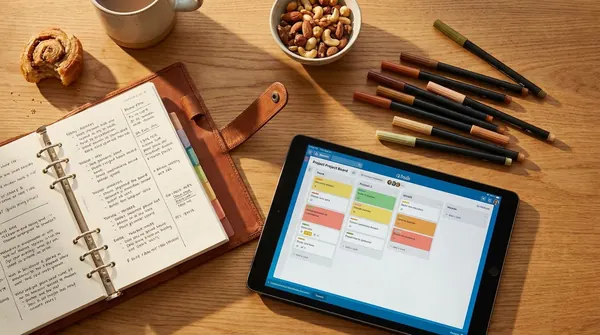
For scheduling and workflow management, even a simple spreadsheet honestly does the job for solo creators. Columns for video topic, keyword target, script status, filming status, edit status, scheduled date. You can see your whole pipeline at a glance.
Common Mistakes That Kill Your Batch System
Not leaving buffer time between production and publishing. If your batch day falls through for any reason, and at some point it will, you want at least one video already in the bank. Produce ahead, always.
Trying to perfect every video before moving to the next. Batching only works if you move through phases sequentially across all videos. Get all scripts to "good enough" before filming. Get all filming done before editing. Don't loop back. Perfectionism in a batch system is just procrastination wearing a lab coat.
Not accounting for the research phase as a separate task. A lot of people batch scripts but forget that research is its own time block. If you're researching mid-script, you're breaking the mental flow. Research everything first, then write.
Burning yourself out in the first batch session. I've seen creators try to go from zero to filming eight videos in one weekend and then never batch again because it felt like torture. Start with three videos in your first proper batch. Build the habit and the muscle before you go bigger.
Trying to batch drastically different content types in the same filming session. If you're mixing talking head videos with tutorial-style demos, you're constantly resetting your mental and physical setup. Group similar formats together the same way you group similar lighting setups.
- Plan 8 to 12 video topics in one monthly research session
- Write all your scripts in one dedicated writing block before touching the camera
- Film multiple videos in a single setup session, rotating outfits or angles as needed
- Create editing templates so you're not rebuilding settings from scratch every video
- Write all metadata (titles, descriptions, tags) in one batch after editing is done
- Schedule everything in YouTube Studio and maintain a 2 to 4 week content buffer
- Use AI tools for scripting, title brainstorming, and descriptions to speed up your writing phases
The goal with all of this isn't just efficiency. It's sustainability. The channels that win on YouTube are almost never the most talented ones. They're the most consistent ones. And consistency at scale is basically impossible without a system like this.
If you're building a faceless channel specifically and want structured accountability while building this workflow out, the YouTube Faceless Operator Program is worth looking at. It's 1-on-1 coaching with actual feedback on your channel, not a generic course you passively watch.
But even without a coach, the batch system itself is available to any creator right now. You don't need permission. You just need to stop making one video at a time like it's still 2018.
FAQ
How many videos should I batch produce at once as a beginner?
Start with 3 videos in your first batch session. It's enough to feel the benefit of batching without overwhelming yourself before you've built the habit. Once that feels normal, push to 5 or 6 per cycle. Most experienced creators batch 8 to 12 videos per monthly planning session, producing them in 2 to 3 filming and editing blocks throughout the month.
How far ahead should I schedule my YouTube videos?
The sweet spot for most solo creators is a 2 to 4 week buffer. That means if you stopped producing today, your channel would still publish on schedule for at least 2 weeks. Bigger channels or team-run channels often work 4 to 8 weeks ahead, but even 2 weeks of cushion dramatically reduces upload anxiety and gives you space to handle real life.
Does batch filming hurt video quality if you're tired by the third or fourth video?
It can, if you push too hard in a single session. Most creators cap a filming day at 3 to 4 videos and save the rest for the next session. The performance fatigue is real, especially for on-camera creators. If you're faceless and recording voiceover, this is less of an issue since you can re-record a line instantly without resetting a physical setup.
Should I batch different types of videos together or keep formats separate?
Keep formats separate when you can. Filming talking head videos back to back is efficient. Mixing them with screen recordings or tutorial-style demos in the same session means you're constantly switching mental and physical modes, which undermines the whole point. Group by format first, then by setup similarity within that format.

Get more of this in your Google results
Add voclify.io as a preferred source and Google shows you more of our articles in Search and AI Mode.