Most creators hit a point where they look at their channel name, their banner, their whole identity, and think: "This doesn't feel like me anymore." Sometimes it's a niche pivot. Sometimes the old name is just embarrassing. And sometimes you've just grown as a creator and your channel hasn't caught up yet.
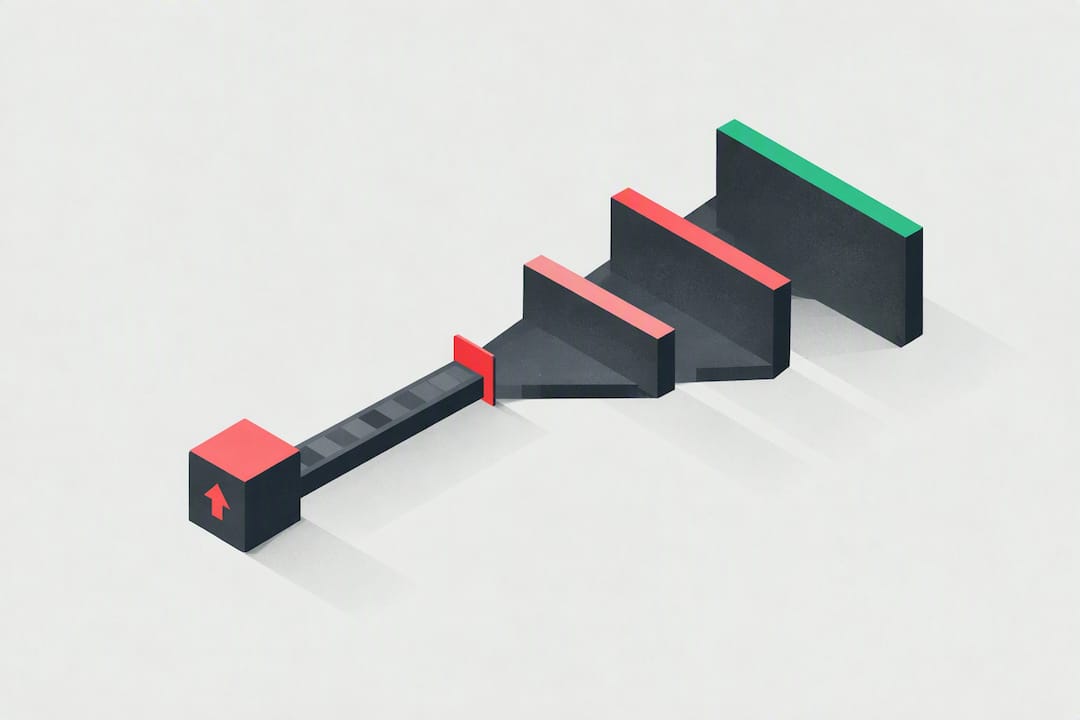
A rebrand can absolutely save a channel. But it can also tank one if you do it wrong or at the wrong time.
I've seen both happen. So let's talk about the real stuff, the signs you actually need a YouTube channel rebrand, the things people get wrong, and how to bring your existing audience along for the ride instead of losing half of them.
YouTube Channel Rebrand: The Signs You Actually Need One
Not every moment of creative doubt is a sign you need to blow everything up. Sometimes you're just having a bad week. But there are real signals that a rebrand isn't optional anymore.
Your Channel Name Is Working Against You
This one's obvious in hindsight but brutal to admit in the moment. If your channel name includes a year, a specific age, a trend that's already dead, or a niche you no longer make content in, you've got a problem. "Gaming with Jake 2024" sounds fine until it's 2026 and you're making finance content.
A channel name should work no matter what direction you evolve into. If yours doesn't give you any room to grow, that's a legitimate reason to rebrand.
You've Genuinely Pivoted Your Content
Maybe you started making travel vlogs and now you're doing personal finance. Maybe your cooking channel slowly turned into a lifestyle channel. If your current branding is misleading new viewers about what your channel actually is, they'll click away confused and never come back.
Mismatched expectations are a silent killer for watch time and retention. Your brand should tell people exactly who you are before they even press play.
Your Visuals Are Embarrassingly Outdated
Look, there's no shame in starting with whatever free Canva template you found at 1am when you launched your channel. We've all been there. But if your channel art looks like it's from 2017 and your thumbnails don't match your banner and nothing feels cohesive... new visitors notice that immediately.
First impressions on YouTube happen in seconds. If your channel page looks chaotic or outdated, people bounce before they even check your videos.
When You Probably Don't Need a Rebrand
Real talk: if your channel is growing steadily and your main reason for wanting to rebrand is boredom or comparison to other creators, pump the brakes. A rebrand is disruptive by nature. It costs you consistency, which the algorithm rewards. Don't fix what isn't broken just because someone else's aesthetic is cooler than yours right now.
How to Actually Plan a YouTube Channel Rebrand
Don't Just Change Things Overnight
This is where most creators mess up. They get excited, change everything in one day, and then wonder why their audience is confused and engagement has tanked.
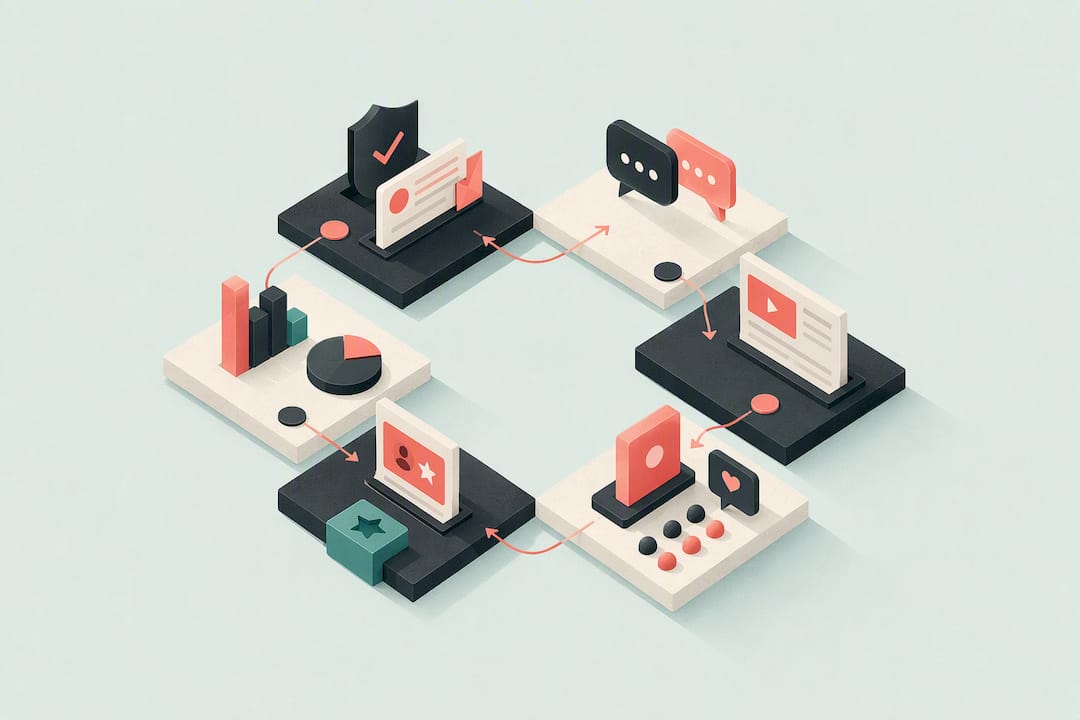
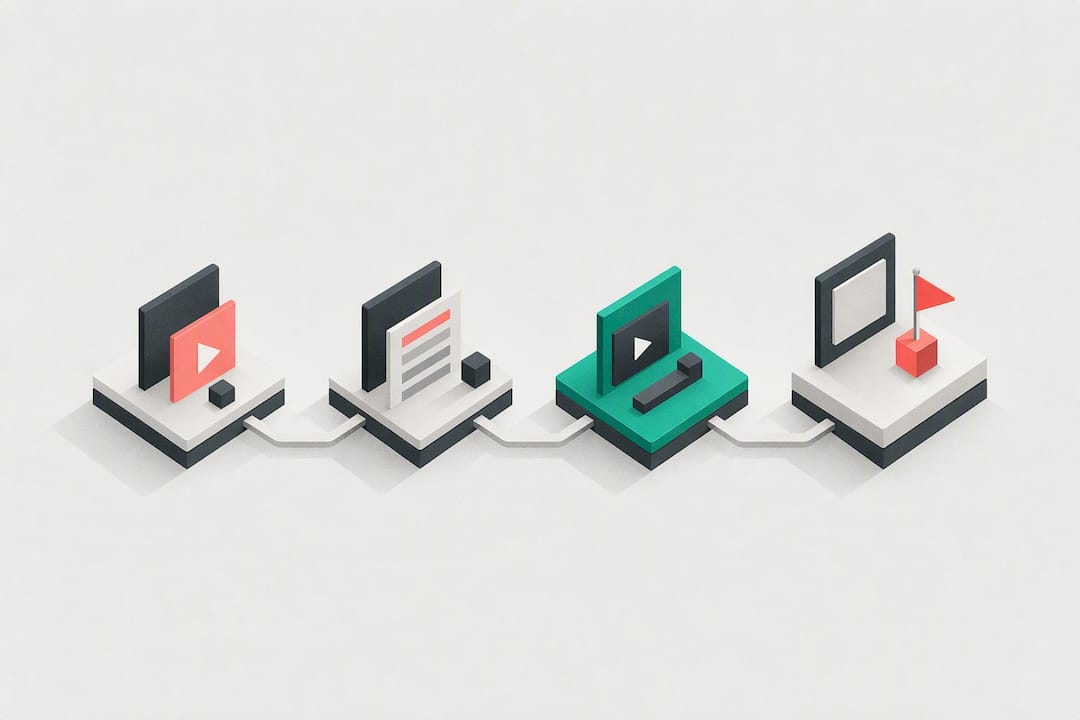
A good rebrand is a transition, not a detonation. The sweet spot is about 4 to 6 weeks of gradual rollout. Start talking about the change in your community posts or at the end of videos before anything actually changes visually. Tease it. Make your audience feel like they're part of the decision.
By the time your new look goes live, your audience should feel familiar with it, not blindsided by it.
Keep What Makes You Recognizable
This is the part nobody tells you. You don't have to change everything. In fact, you probably shouldn't. If your audience knows your face, your editing style, your sense of humor, those things are your real brand. The name and the logo are just packaging.
Keep at least one or two recognizable elements through the transition. Maybe it's your color palette. Maybe it's a specific font. Something that tells longtime viewers: "It's still me, I just leveled up."
Be Transparent With Your Audience
Make a video about it. Seriously. Not a long apology or a 20-minute explanation, just an honest, direct video explaining what's changing and why. People respond well to authenticity. If you grew out of a niche, say that. If you're trying something new, tell them what to expect.
Creators who try to quietly rebrand and hope nobody notices usually end up with confused comment sections and subscriber drops. Don't do that to yourself.
Sort Out the Practical Stuff First
Before you announce anything, make sure you have your new name, new channel art, and updated thumbnails ready to go. Plan at least 30 days of content that fits the new direction. The worst thing you can do is rebrand and then immediately post content that contradicts your new identity.
Also, update your description, links, and anywhere else your old branding is floating around. It's tedious but it matters.
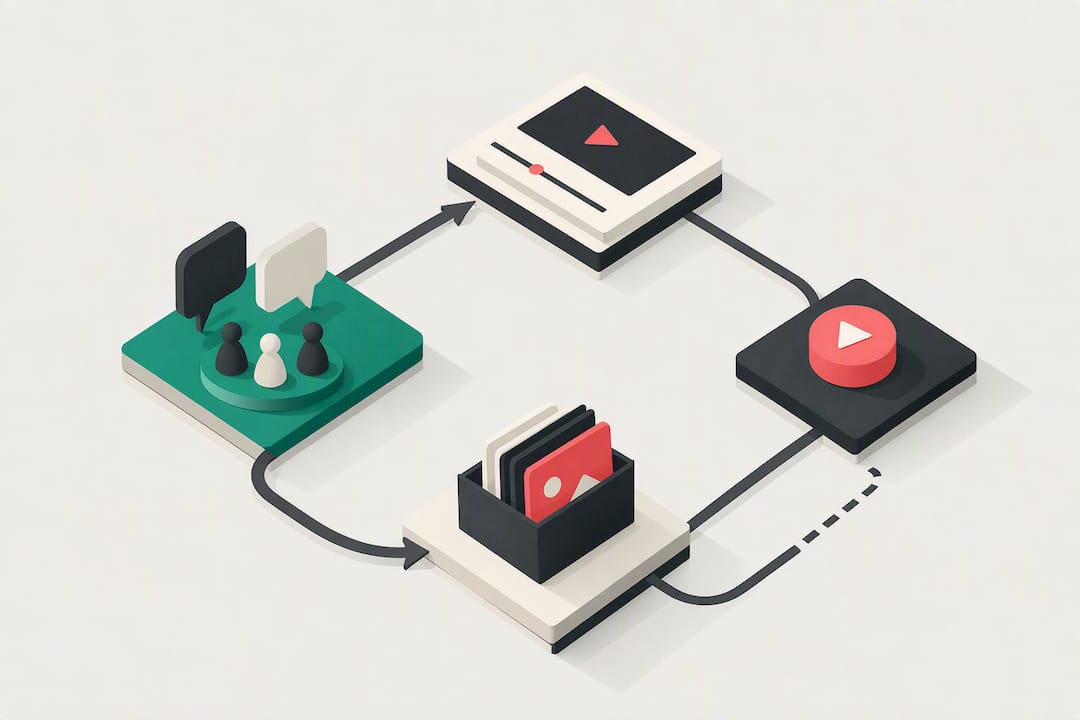
What About Your Existing Subscribers?
Most of Them Will Stay (If You Do This Right)
Here's what I've noticed: subscribers who are genuinely fans of you as a creator will follow you through a rebrand. The ones who subscribed purely for one specific type of content that you're moving away from might not. And honestly, that's okay. It's better to have 10,000 engaged subscribers than 50,000 who never watch your videos.
The goal is to be clear enough about what's coming that people can make an informed decision. Nobody likes feeling tricked into a subscription that no longer matches what they signed up for.
Don't Start a Whole New Channel
Unless you're completely starting over in a totally unrelated niche (and even then, think hard about it), don't abandon your existing channel to start fresh. You'd have to manually rebuild everything from zero. The subscribers, the watch history, the SEO authority your old videos have built up, all gone.
A rebrand on your existing channel is almost always smarter than nuking it and starting over.
Tools That Actually Help During a Rebrand
When you're rethinking your channel identity, you might also want to revisit your titles, descriptions, and overall content strategy. This is honestly a good time to use tools that can help you sharpen your new direction.
Voclify has a channel name generator and a title generator that are pretty useful when you're brainstorming a new identity. The Channel Brain feature, which is an AI trained specifically on your channel, can also help you figure out what's been working and what to carry forward. It's not a magic solution for every creator situation, but for the content strategy side of a rebrand it genuinely helps.
For finding the right name and making sure it's evergreen, it's worth spending real time on it. A name that works now AND if your content evolves slightly in two years is worth way more than something clever that boxes you in.
Key Takeaways
- Rebrand when your name, visuals, or niche no longer represent what your channel actually is.
- Don't rebrand just because you're bored or comparing yourself to other creators.
- Roll it out gradually over 4 to 6 weeks so your audience has time to adjust.
- Keep at least one recognizable element so longtime viewers feel continuity.
- Make a video explaining the change. Transparency keeps trust intact.
- Never start a brand new channel just to rebrand. Work with what you've built.
- Have 30 days of content planned that matches the new direction before you launch anything.
A rebrand done right can absolutely breathe new life into a channel that felt stuck. Done wrong, it just creates noise and confusion. The difference is almost always in the planning, and in how honest you're willing to be with your audience about why things are changing.
If you're in that messy in-between stage right now, wondering if you need a rebrand or just a strategy reset, check out some of the other creator growth posts here. Sometimes what feels like an identity crisis is actually just a strategy problem, and those are a lot easier to fix.
FAQ
how long should a YouTube channel rebrand rollout take?
The article recommends a gradual rollout of about 4 to 6 weeks instead of changing everything overnight. You should start mentioning the change in community posts or at the end of videos before anything visually shifts, so your audience feels familiar with it by the time the new look goes live.
do I need to start a new YouTube channel when I rebrand?
In almost every case, no. Starting over means losing your subscribers, watch history, and the SEO authority your existing videos have already built up. The article only says to consider a new channel if you are completely switching to a totally unrelated niche, and even then it says to think hard about it first.
will I lose subscribers if I rebrand my YouTube channel?
Subscribers who are genuine fans of you as a creator will generally stick around through a rebrand. The ones who subscribed specifically for a type of content you are moving away from might leave, but the article points out that 10,000 engaged subscribers is more valuable than 50,000 who never watch your videos.

Get more of this in your Google results
Add voclify.io as a preferred source and Google shows you more of our articles in Search and AI Mode.