A high-converting YouTube outro follows one formula: a one-line wrap-up, a quick reminder of the value you just delivered, a single call-to-action, and a personal sign-off, all inside 5 to 20 seconds before you hand off to your end screen. That’s it. I’ll give you 12 scripts you can copy right now, plus templates to make them yours.
TL;DR:
- Use a single clear call-to-action tailored to your video type, such as subscribing, visiting a playlist, or commenting, within 8 to 16 seconds.
- Keep your outro script short and direct, ideally 15 to 20 seconds, to ensure it fits within YouTube’s end screen window and maintains viewer engagement.
- Test different wording and timing by trying one version with a direct CTA and another with a softer phrase, then compare their impact on subscriber and click-through rates.
- Incorporate end screens deliberately by staggering prompts and leaving a genuine 15 to 20 second buffer at the video’s end to maximize their visibility.
- Use templated scripts and automation tools to quickly generate personalized outros, especially for faceless channels with frequent uploads.
1. 12 ready-to-use outro scripts to copy and customize
I built these around video length and goal, because a 60-second Short needs a different outro than a 12-minute tutorial. Grab one, swap in your details, and test it on your next upload.
- Quick subscribe (5-8s): “That’s it for today. If this helped, hit subscribe so you don’t miss the next one. See you soon.”
- Single video CTA (6-9s): “Now that you know how this works, check out the video on screen for the next step. I’ll catch you there.”
- Comment driver (7-10s): “Tell me in the comments which method you’re trying first. I read every one. Talk soon.”
- Playlist push (8-11s): “This is part of a bigger series. Tap the playlist on screen and keep going. See you in the next video.”
- Community tab nudge (6-9s): “I post extra tips over on the Community tab. Go check it out, and I’ll see you next time.”
- Faceless voiceover, product review (10-14s): “So that’s the full breakdown. If you want the pros and cons side by side, the comparison video is right there. Subscribe if you want more of these.”
- Faceless voiceover, listicle (9-13s): “Number one on that list surprised a lot of people. If you want more rankings like this, subscribe and I’ll keep them coming.”
- Tutorial wrap-up, medium (12-16s): “You now have everything you need to get this working. If you hit a snag, drop it in the comments and I’ll help. Subscribe for more tutorials like this one every week.”
- Vlog sign-off, medium (12-16s): “That was a wild day. If you want to see what happens next, the next video is right on screen. Thanks for hanging out with me.”
- Long-form authority build (16-20s): “That covers the main strategy. If you want the deeper breakdown, watch the video on screen next. And if you’re new here, subscribe. I put out videos like this every week.”
- Shorts CTA (5-7s): “Follow for more like this. New one every day.”
- Faceless channel branding close (10-13s): “That’s today’s deep dive. Hit subscribe if you want more breakdowns like this, and I’ll see you in the next one.”
Scripts 6, 7, and 12 are built for faceless or voiceover channels: no on-camera sign-off, just a confident voice and a clear pointer to on-screen elements. Place your end-screen video or playlist element right as you say “on screen,” and time your subscribe button to appear during the CTA line, not before it.
Pro Tip: Record two versions of your outro line, one direct and one slightly warmer, then use whichever matches the video’s energy instead of defaulting to the same script every time.

2. Fill-in-the-blank templates and micro-formulas you can adapt instantly
Once you’ve tested a few scripts, you’ll want to write new ones fast without starting from a blank page. These templates map straight to the wrap-up, value hook, CTA, sign-off structure, so you just swap the brackets.
- Core template: “So that covers [topic]. Now you know [value hook]. If you want [benefit], [CTA]. [Sign-off].”
- Faceless review template: “That’s the full comparison of [product A] vs [product B]. If you want my final pick, [CTA]. See you in the next one.”
- Tutorial template: “You’ve got [skill/result] locked in. If you get stuck on [step], drop a comment. Subscribe for more [niche] tutorials.”
- Vlog template: “That was [day/event] in a nutshell. If you want to see [next event], [CTA]. Thanks for watching.”
- Listicle template: “Number [X] was the one people talk about most. For more [niche] rankings, [CTA].”
Micro-formulas let you change tone without rewriting the whole line. Swap “hit subscribe” for “tap that subscribe button” for a slightly more casual read, or swap “check out the video on screen” for “the next one’s linked right there” when you want a tighter pace. For faceless channels, lean on phrases like “on screen” and “linked above” since you can’t gesture at anything, and let your voiceover pacing do the work a facial expression normally would.
3. How to adapt your outro by video type
Your outro should match the job the video was doing. A tutorial earns trust through completion, so reward that with a low-friction ask.
- Tutorials: keep it to 8 to 12 seconds, ask for a subscribe or a related tutorial click, and avoid stacking a comment ask on top.
- Reviews: 10 to 14 seconds, point to a comparison or buying guide video, since viewers are still in decision mode.
- Vlogs: 12 to 16 seconds, use a warmer sign-off, and point to the next vlog in the series to keep binge momentum.
- Listicles: 8 to 11 seconds, tease the next ranking or list to capture curiosity while it’s still active.
- Shorts: 3 to 5 seconds, one word of CTA like “follow” or “part two,” no sign-off needed.
When a video has more than one goal, like educating and selling, pick one priority for the outro. Trying to educate, sell, and ask for a subscribe in one breath dilutes all three.
Pro Tip: If your video runs long, start your outro line at least 15 seconds before the end so your end-screen elements have time to display and register before the video closes.

4. End screens and timing: YouTube rules and practical setup notes
YouTube end screens display during the final 5 to 20 seconds of a video and support up to four elements, according to YouTube Help, which sets the hard limits your script has to work inside. That window is tight, so your outro line needs to hand off cleanly rather than trail off.
- Leave a genuine 15 to 20 second buffer at the end so every element has room to appear and register.
- Stagger elements instead of dropping all four at once, since viewers can’t process four prompts in one glance.
- Remember that end screens aren’t visible on made-for-kids videos, in the YouTube Kids and Music apps, on flash players, or on some 360 and mobile web views, so don’t assume every viewer sees what you’re describing.
- Phrase your final line to point at a specific element, like “tap the video on screen,” rather than a vague “check out my other stuff.”
For a deeper setup walkthrough, our end screens and cards optimization guide covers placement and click patterns in more detail.
5. Best practices and common mistakes to avoid in outros
Most outros lose viewers not because the script is bad, but because it asks for too much at once. Fix that first.
- Pick one CTA. Subscribe, watch next, or comment, never all three in the same breath.
- Cut the rambling sign-off. “Thanks so much for watching, I really appreciate it, see you guys next time” can become “Thanks for watching, see you next time.”
- Track your numbers. Watch end-screen click-through rate and subscribe rate after the change, then test new wording only after you have a baseline.
Creator guides consistently point to having one clear goal and staying consistent with phrasing as the difference between an outro that converts and one viewers skip. Our audience retention strategies breakdown digs into how outro length interacts with overall watch time if you want the fuller picture.
Pro Tip: Change one variable at a time, either the CTA wording or the outro length, so you actually know what moved the number.
6. Why this works: evidence and author expertise
The logic behind a short, single-CTA outro isn’t a guess. Switcher Studio’s retention research describes the “End of Value” idea: the moment you finish delivering your main point, viewers start deciding whether to leave, so a fast handoff to your CTA captures that window before it closes.
- YouTube Help sets the technical baseline: 5 to 20 seconds, up to four elements, and visibility limits on certain formats.
- The platform has been used by many creators building faceless channels, with some achieving significant subscriber growth.
- Our outro strategies for faceless creators piece expands on phrasing choices that work without an on-camera presence.
7. Testing ideas and lightweight A/Bs for outros
I’ve watched creators overthink outros for weeks when a five-minute test would’ve settled it. Try this: run one week with a direct CTA (“subscribe now”) and one week with a softer one (“if you want more, subscribe”), then compare subscribe rate. Separately, test moving your end-screen trigger line 3 seconds earlier. In my experience, tutorial audiences respond to shorter outros almost every time, since they came for the answer and want out fast once they have it.
— Arnas
Voclify: automating outro scripts and end-screen setup
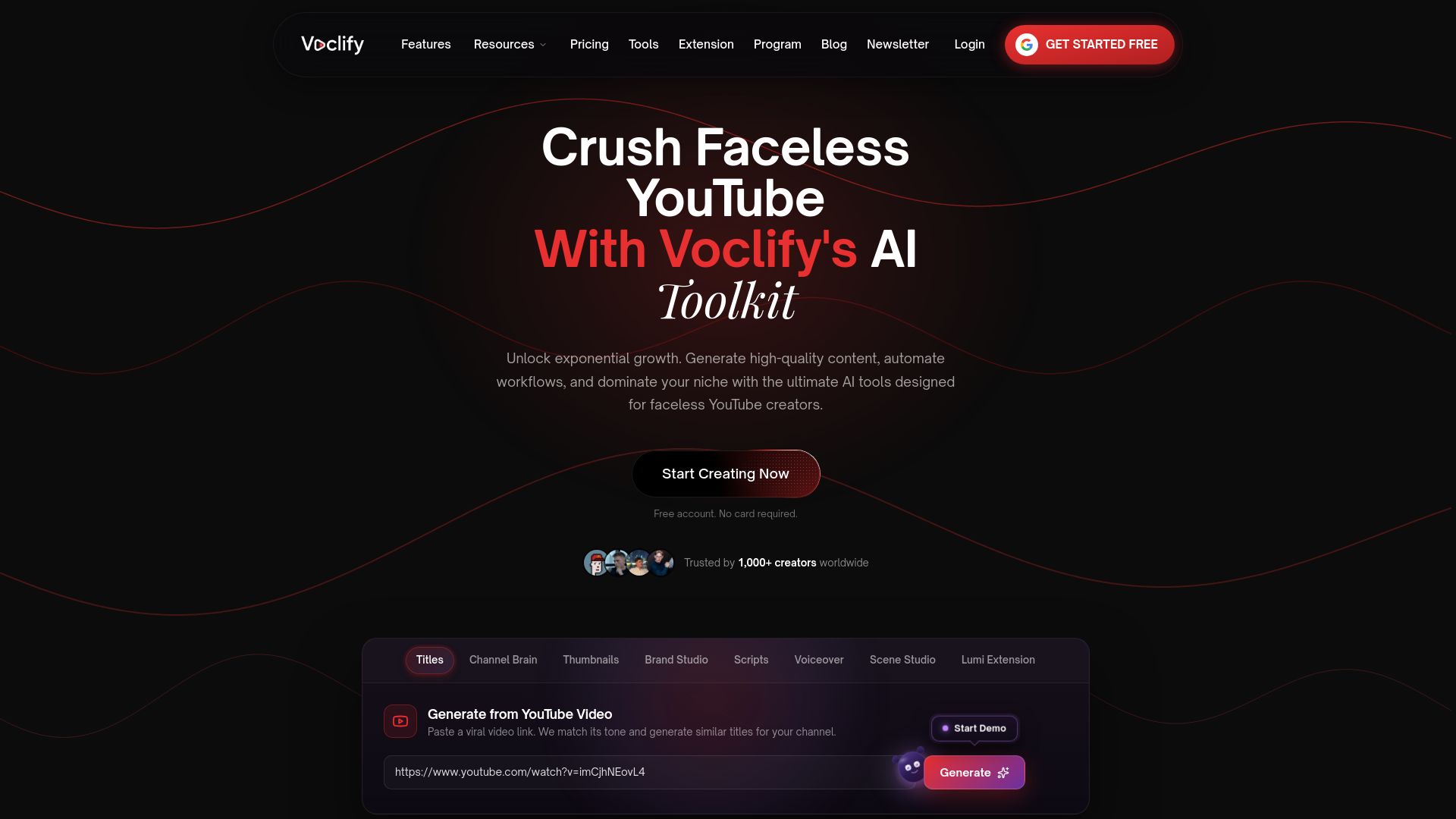
Writing a fresh outro for every upload gets old fast, especially if you’re running a faceless channel and publishing several videos a week. Voclify generates outro scripts and templates alongside your titles, descriptions, and voiceovers, so the closing line is built into your production workflow instead of a separate afterthought.
- Generate a batch of outro scripts across an entire content calendar in one pass instead of writing each one from scratch.
- Auto-populate a saved template with your channel’s CTA and sign-off style every time you set up a new upload.
If you want to see the toolset, visit Voclify’s tools page, or check plans starting at $20 a month on the Starter plan. Creators who want a done-for-you system can look at the YouTube Faceless Operator Program for structured support.
Sources
- Add end screens to videos - YouTube Help
- Improve audience retention — Switcher Studio blog
- 5 Easy Steps to Make a YouTube Outro — TechSmith
FAQ
What to say in a YouTube outro?
Say a one-line wrap-up of what you covered, remind viewers of the value they got, give one clear call-to-action, and close with a short sign-off. Keep the whole thing under 20 seconds so it fits inside your end-screen window.
How many views on YouTube do you need to make $2000 a month?
This depends heavily on niche, ad rates, and monetization mix, so there’s no single view count that applies to every channel. Instead of chasing a specific number, focus on outro CTAs that grow subscribers and repeat views, since those compound over time.
How do I make a YouTube outro?
Write a short script following the wrap-up, value hook, CTA, sign-off structure, then time it to start 15 to 20 seconds before your video ends so it fits your end screen window. Record it, place your end-screen elements to match your CTA line, and test the wording after a few uploads.
Can ChatGPT write a YouTube script?
Yes, general AI chat tools can draft a rough outro or script, though you’ll usually need to edit for your channel’s tone and pacing. Purpose-built tools like Voclify are designed specifically for faceless creator workflows, including outro scripts tied to end-screen placement.
Recommended

Get more of this in your Google results
Add voclify.io as a preferred source and Google shows you more of our articles in Search and AI Mode.