
YouTube brand consistency means a viewer can recognize your channel in two seconds, before they read the name: same thumbnail look, same voice, same video structure, same promise. On a faceless channel you have no host to carry that recognition, so the system has to do the work. This guide shows what to lock down, what to leave flexible, and how to keep it all intact when you publish every week, or run several channels.
TL;DR
- Brand consistency on a faceless channel is a short list of repeatable decisions: color, type, thumbnail layout, voice, script structure, and publishing rhythm.
- Write those decisions down once in a style guide and a shared asset folder. Every video, and every freelancer, starts from them.
- Fix the frame and vary the content: templates for layout, fresh ideas for topics. That is how you avoid every video looking identical.
- Refresh a brand in small steps so viewers keep recognizing you.
- Use the checklist below before every upload.
What brand consistency means when nobody is on camera
Brand consistency is delivering the same messaging, in line with your identity, values and strategy, over time. Repeated exposure to the same brand elements helps people recognize you. That is the whole idea, and it matters more for faceless creators than for anyone else.
A personality-led channel gets recognition for free. Viewers know the face, the voice, the energy. A faceless channel has to build the same recognition out of parts viewers can see and hear on a crowded homepage: a thumbnail style, a narrator, a title pattern, a color, a sound.
I’ve watched plenty of faceless channels with great topics stall because each video looked like it came from a different creator. The viewer who liked video one could not tell video two was the same channel. No recognition, no return visit, no subscription.
There is some research behind the instinct. An academic study of Instagram accounts found that a consistent corporate visual identity raised the intention to follow an account, because people warm to a brand whose elements are used coherently. It is a different platform and a student thesis, so treat it as a direction rather than a promise. The pattern still fits what we see on YouTube: coherent presentation gives people a reason to trust and follow.

Consistency is not sameness
Consistent does not mean identical. Your frame stays fixed: layout, palette, voice, structure. Your content moves: topic, angle, hook, story. Think of it as a template with open slots. Later in this guide you’ll see exactly which slots to keep open.
The seven elements to keep consistent
Here is the list I use when auditing a channel. Each one is a decision you make once and then reuse.
| Element | What to lock down | What can change |
|---|---|---|
| Color palette | 2 to 3 brand colors with hex codes, plus a text color | Background shade within the palette |
| Typography | One headline font, one body font | Size and emphasis |
| Thumbnail layout | 2 to 4 templates (for example list, tutorial, story) | Image, headline words |
| Channel art | Banner, avatar, trailer, playlist covers | Seasonal tagline |
| Narration and tone | Voice, pace, 1 to 2 tone adjectives | Energy to match the topic |
| Script structure | Hook, setup, payoff, sign-off pattern | Story, examples |
| Publishing rhythm | Days, length range, series names | Topic order |
1. Color
Pick a small palette and write the hex codes down. Two or three colors is enough. If you want a fast starting point, we put together a guide to YouTube brand colors with exact hex codes. The rule that matters: a code in a document, not a color “close to the blue we used last week.”
2. Typography
One bold font for headlines and one clean font for supporting text. Store the font files with your other assets so every editor uses the same ones.
3. Thumbnails
Thumbnails are your most-seen brand asset. Consistent thumbnail layouts and colors help establish your branding and make videos stand out on the homepage and in the Suggested sidebar. Build a few templates, such as one for list videos and one for tutorials, and rotate between them rather than reinventing the layout each time. Our walkthrough of three thumbnail templates for faceless creators shows how to set those up. Once they’re live, test thumbnails systematically inside the template, so you learn what works without breaking the look.
4. Channel art
Your banner, avatar and channel trailer are the first thing a visitor sees after clicking through. Build the banner from a template so seasonal updates take minutes. Here is a seven-step process for template-based channel banner design.
5. Voice and tone
In a faceless channel, voice is your face. A brand’s voice can include consistent energy, signature greetings and sign-offs, scripting structure, signature phrases and terminology, and a steady community interaction style, as one branding guide lays out. Choose one or two adjectives (confident and dry, warm and curious) and test every script against them. Same narrator, or same AI voice and settings, across the series. Switching voices mid-channel is one of the quickest ways to make regulars wonder if they’re in the right place.
6. Script structure
Viewers learn your rhythm: how fast the hook lands, when the first payoff comes, how you close. Keep that skeleton and change the story inside it. A repeatable sign-off phrase or end screen pattern costs nothing and becomes a recognizable beat.
7. Publishing rhythm
Consistency also means being predictable in when and how you show up: a regular schedule, a typical video length, named series. A content calendar turns that into a habit instead of a scramble.
Why a style guide beats good intentions
Most channels lose consistency in the handoffs. You make a thumbnail on Monday, a freelancer makes one on Thursday, and by video 30 the channel has drifted. The fix is boring and effective: centralize everything.
Creators typically keep the elements aligned with defined template systems for thumbnails and a shared brand guide or asset folder that holds logos, fonts and motion graphics. The same source suggests keeping color hex codes and font files in a single shared folder. I’d add a one-page style guide on top, covering:
- Palette with hex codes and where each color is used
- Fonts and sizes for thumbnails and on-screen text
- Thumbnail templates with a “do and don’t” example each
- Tone adjectives plus five phrases you say and five you never say
- Script skeleton with timing targets for the hook
- Intro, outro and end screen specs
- Naming conventions for files, playlists and series
If you want to see how one is laid out, here is our guide to a YouTube style guide that helps you ship faster.
A brand consistency checklist for every video
Run this before you hit publish. It takes about five minutes once your templates exist.
Before you script
- Does the topic fit the channel’s promise and an existing series?
- Is the working title in the same pattern as your top-performing titles?
- Have you picked which thumbnail template this video uses?
While you produce
- Script follows the hook, setup, payoff, sign-off skeleton.
- Tone matches your two adjectives. Read the first 30 seconds aloud.
- Same voice, same voice settings, same music bed.
- On-screen text uses brand fonts and colors only.
- Intro and outro are the current approved versions.
Before you publish
- Thumbnail uses a template, brand colors and the standard text treatment.
- Thumbnail still reads at small size, next to your last five.
- Title and description follow your formula, with the same links and sign-off.
- Video is added to the right playlist and series.
- Pinned comment and community replies match your tone.
Once a month
- Scroll your channel page. Do the last 12 thumbnails look like one family?
- Check your banner, avatar and trailer for outdated promises.
- Update the style guide if a decision changed, and date the change.
If you also run on other platforms, carry the same assets over. We cover that in building your brand beyond YouTube.
How to stay consistent without every video looking the same
This is where most advice stops, and where operators with several channels get stuck. The trick is to separate fixed slots from open slots.
Fixed slots: palette, fonts, logo placement, thumbnail grid, narrator, script skeleton, sign-off.
Open slots: the image in the thumbnail, the three to five words of headline, the story, the examples, the hook angle, the background footage.
When a thumbnail template has one clear focal area, one text zone and one accent color, you can make a hundred of them and each is recognizably yours and visibly different. The same applies to scripts: the skeleton stays, the story changes.

Running several faceless channels
If you operate more than one channel, give each its own style guide, palette and tone adjectives. Do not share assets between them by accident. What you can share is the process: the same checklist, the same folder structure, the same naming conventions, the same review step. One workflow, many distinct brands. Keeping a human in the loop is what protects each brand’s voice; here is how faceless creators keep editorial control when automating.
Working with freelancers
Give every contractor the style guide, the asset folder and two or three approved examples per template. Ask for work in the templates, not “inspired by” them. Review the first three deliverables closely, then spot-check.
If your channel also uses branded photography or on-location footage, plan the shoot around the identity before you book anyone. A production checklist for brand story videos is a good model for deciding messaging, visual identity and publishing cadence up front, so you don’t need reshoots later.
Refreshing your brand without losing your audience
Brands do need to change. A new niche angle, an outdated logo, a banner that no longer reflects the channel. The aim is to evolve in steps that your existing viewers can follow.
- Decide what is actually broken. Recognition problem, quality problem, or positioning problem? Don’t change the palette to fix a pacing problem.
- Change one layer at a time. Update the banner and avatar first. A few weeks later, update thumbnail templates. Then adjust intros and outros.
- Keep an anchor. Hold one element steady through the change: the narrator, the main color, or the thumbnail layout. That’s the bridge that lets regular viewers keep recognizing you.
- Announce it lightly. A community post or a pinned comment is enough. No need for a big apology video.
- Watch the numbers. Compare click-through rate and returning viewers for the first several uploads against your previous baseline, and roll back a layer if it clearly hurts.
- Update the style guide the same day. Otherwise drift starts again.
We go deeper in when to rebrand a YouTube channel and how to keep your audience.
Why recognition is worth the discipline
The reasoning is simple. Consistent visual and audio cues give viewers a predictable, low-effort experience and a memory shortcut, as described in one branding consultancy’s write-up. A viewer scanning a feed makes decisions in a blink. If your thumbnail is instantly familiar, you have already earned a fraction of the click.
The same logic appears outside YouTube. Coherent visual branding supports audience recognition for independent professionals, who also have to stand out with very little time to make an impression. Whether you’re a freelancer or a faceless channel, the audience remembers what repeats.
Our perspective
I’ve reviewed a lot of faceless channels, and the pattern is almost always the same: the ideas are fine, the execution is uneven. A thumbnail in one style, a script in another, a different voice every few weeks. Creators call it “experimenting.” Viewers call it “I don’t know this channel.”
We built Voclify because faceless creators need brand consistency to be a default, not a discipline. A faceless channel has no host to hold the identity together, so the system has to. That is why our toolkit is purpose-built for faceless YouTube creators: 13 specialized AI tools covering scripts, titles, descriptions, thumbnails, voiceovers, channel branding, competitor analysis and more, designed to work from the same brand decisions instead of starting from zero each time.
Our view is simple. Lock the frame, automate the repetitive parts, and keep your energy for the ideas. When thumbnails come from your real styles, scripts follow your structure, and voiceovers keep the same sound, consistency stops being extra work. It becomes how the channel gets made.
More than 1,000 creators use Voclify to run their faceless channels this way. I’d tell any creator the same thing I tell them: write the style guide first, then build every video from it.
Arnas
Put the system to work with Voclify
Once your style guide exists, the slow part is applying it to every title, script, thumbnail and voiceover. That is where Voclify helps. It is an AI toolkit for faceless YouTube creators, built so that your branding choices carry through the whole production workflow.
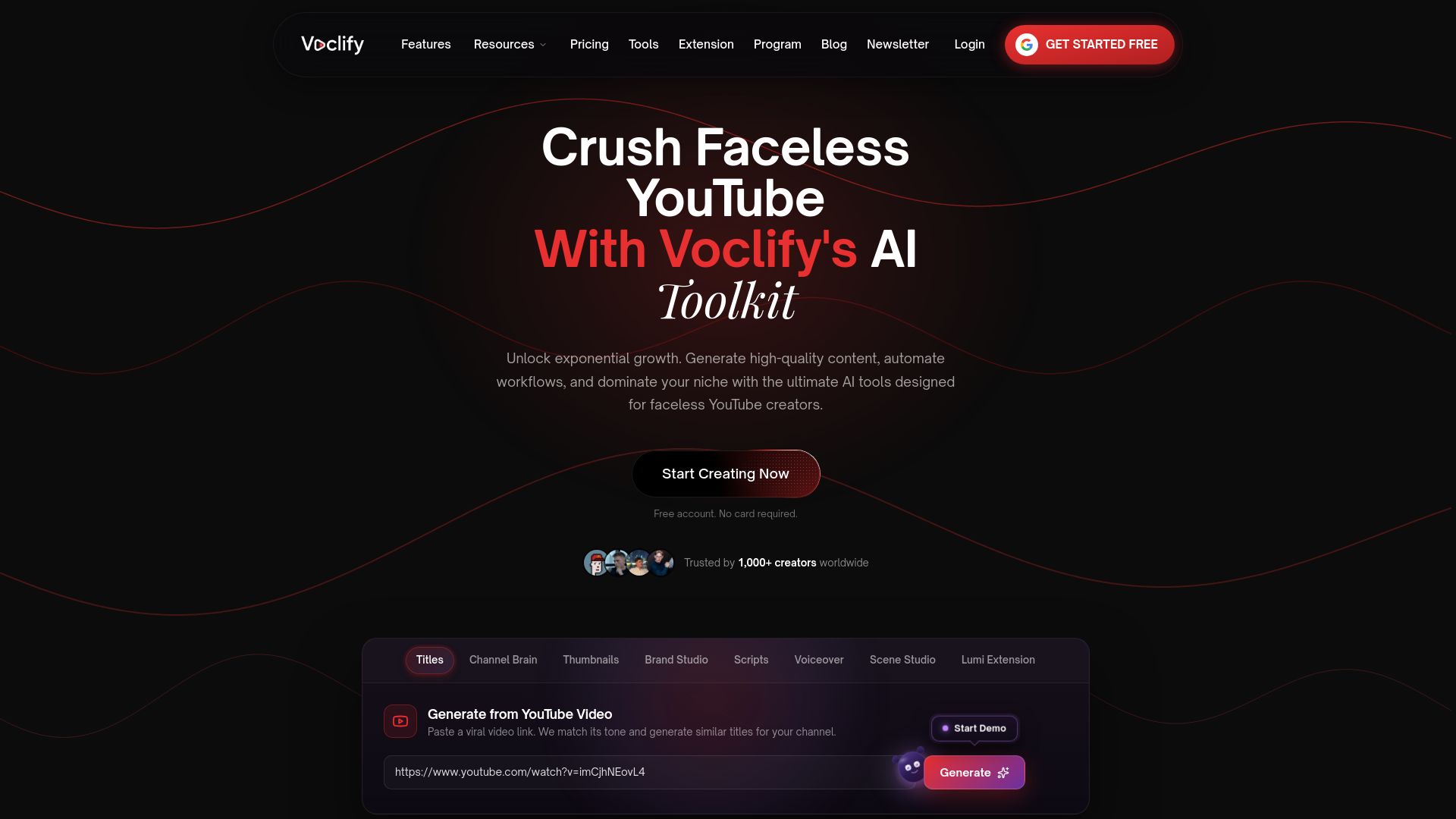
Plans are published at $20 per month for Starter, $50 per month for Growth and $99 per month for Studio, all on the Voclify site. Useful starting points: the AI thumbnail generator built from real styles for repeatable thumbnail looks, the script generator for faceless channels for consistent structure, and the AI voiceover generator for a steady narrator. If you run channels at scale, look at the YouTube Faceless Operator Program.
FAQ
How do I keep my YouTube branding consistent?
Write down your palette with hex codes, fonts, thumbnail templates, tone adjectives and script skeleton in a one-page style guide. Store logos, fonts and graphics in one shared folder. Then run a short checklist before every upload so drift gets caught early.
Does a faceless channel really need branding?
Yes, arguably more than a channel with a host. With no face or personality to anchor recognition, your thumbnails, voice, titles and structure are all viewers have to identify you. A consistent set of them is what turns a one-time viewer into a subscriber.
How many thumbnail templates should I have?
Two to four is a practical range: for example one for list videos, one for tutorials and one for story-driven videos. That gives you variety while keeping a clearly recognizable look. Test headline wording and imagery inside the templates rather than changing the layout.
Can I change my channel’s look without losing subscribers?
Yes, if you change it in stages and keep one anchor element steady, such as the narrator or main color. Update banner and avatar first, then thumbnails, then intros and outros. Compare click-through and returning viewers after each step.
What should a brand consistency checklist include?
Cover color, fonts, thumbnail template, tone, script structure, intro and outro versions, title formula, playlist placement and publishing schedule. Split it into before scripting, during production and before publishing, then add a monthly review of your channel page.
Sources
- Grow Your YouTube Channel through Branding Fast!
- YouTube Branding Guide (2026)
- YouTube Channel Branding: Build a Visual Identity System
- YouTube Thumbnails: How to Make Them Clickworthy
- Keep it consistent: Corporate Visual Identity on Instagram
- How to build unforgettable channel recognition with systemised visual branding
- 12 Brand Story Videos With a Production Checklist
- Why visual branding matters for freelancers
Recommended

Get more of this in your Google results
Add voclify.io as a preferred source and Google shows you more of our articles in Search and AI Mode.


