Yes, use curiosity-based titles that honestly reflect your video, then test variants and pick the watch-time winner. Curiosity works because it drives clicks, but clicks alone don’t build a channel. Watch time is what YouTube’s algorithm actually rewards, so this article gives you templates, a five-step workflow, and the exact metrics to track so your titles pull views without tanking retention.
TL;DR:
- Monitoring watch time and retention metrics is crucial because high click-through rates can still mask poor audience engagement if viewers drop off early.
- Running YouTube native experiments with multiple title and thumbnail variants helps identify the most effective options based on actual watch time, not just clicks.
- Titles should focus on honest, specific promises that match the video’s content to avoid misleading viewers and risking policy violations.
- Faceless creators benefit from AI tools that generate and test multiple title and thumbnail combinations at scale, building a personalized, data-driven title library over time.
- Prioritizing topic relevance and watch time ensures sustainable growth, as gimmicky titles that undermine retention harm long-term algorithmic recommendation.
1. Templates that turn curiosity into clicks
I’ve watched creators burn through hundreds of title ideas without a system. A template speeds up drafting and keeps you from reinventing the wheel every upload. Here are the formats that consistently earn attention when paired with a video that actually delivers.
- The list hook: “7 Mistakes That Killed My Channel Growth” works because it promises a scannable payoff.
- The POV frame: “I Tried the $5 Meal Plan for 30 Days” puts the viewer inside an experience.
- The reveal: “The Real Reason Your Views Dropped” creates a gap between what viewers assume and what you’ll explain.
- The compressed value promise: “Grow 10K Subscribers Without Showing Your Face” states the outcome in one breath.
- The ‘this is how’ format: “This Is How I Automated My Whole Channel” signals a process, not a vague tip.
- The challenge or experiment: “I Let AI Run My Channel for a Month” borrows built-in tension from stakes and time.
- The time-limited outcome: “What Happens After 90 Days of Posting Daily” works because deadlines create urgency.
Front-load keywords when viewers search for your topic; save the hook-first phrasing for browse-heavy niches like vlogs or commentary. Keep titles under 60 characters where possible, and match punctuation to your niche: education audiences trust plain statements, while entertainment channels tolerate more punch.
2. A five-step workflow for drafting and testing titles
Templates give you raw material. This workflow turns that material into a repeatable habit you run every time you publish.
- Identify the single strongest payoff in your video and write it as one honest sentence.
- Draft five variants using the templates above, and jot down what each one is testing, whether that’s curiosity strength, clarity, or emotional pull.
- Design a thumbnail that adds context the title doesn’t already give, rather than repeating the same words or image twice.
- Run YouTube’s native A/B testing across up to three title and thumbnail combinations, and let it run until watch-time signals stabilize, which can take anywhere from a few days to two weeks.
- Adopt the watch-time winner, then log the result so you know which hook types actually hold your audience.
Pro Tip: Never judge a test early just because one variant is pulling more clicks. YouTube’s own experiments pick winners based on watch time, not click-through rate, so an early CTR leader can still lose the test.
This cadence matters more than any single clever title. Creators who build a habit of testing and logging results end up with a personal playbook instead of guesswork.
3. Reading YouTube Analytics to know if your title actually worked
A title that pulls clicks but loses viewers in the first thirty seconds isn’t a win. You need to look past the surface number and check what happens after the click.
- Impressions show how often YouTube displayed your thumbnail and title.
- Impressions click-through rate shows what percentage of those impressions turned into a view.
- Average view duration and watch time from impressions tell you whether viewers stayed once they clicked.
- Views from impressions connects the click to an actual watch session, filtering out accidental taps.
You can find all of these in your impressions and watch time reports. Segment by traffic source and video age before drawing conclusions, since a Shorts-heavy audience or a video still in its first 48 hours can skew both CTR and watch time.
High CTR paired with low watch time is the clearest red flag in this whole process. It tells you the title promised something the video didn’t deliver, and it’s the exact pattern that erodes trust and recommendation potential over time.

4. What YouTube’s rules actually forbid and how to stay on the right side
YouTube’s spam policy is direct: metadata that promises content the video doesn’t deliver is a violation, not a gray area. The platform’s spam guidelines list examples like a title claiming a celebrity appearance that never happens or a thumbnail showing an event that isn’t in the video.
Before you publish, run through a short check. Does the opening minute visibly deliver on what the title promised? Does the thumbnail add real information instead of a staged reaction shot that misleads? YouTube’s own title and thumbnail guidance recommends accurate, succinct titles with the important words near the front, and notes that most of the platform’s best-performing videos use custom thumbnails.
Misleading packaging doesn’t just risk a policy strike. It quietly damages your standing in recommendations and trains your existing audience to click less over time.

5. Twenty clickbait titles rewritten to keep the curiosity and lose the deception
Seeing the transformation side by side makes the pattern easier to copy than any rule ever could.
- “You Won’t BELIEVE What Happened Next” becomes “I Broke My Own Channel Rule and This Is What Happened,” which keeps the surprise but names the actual event.
- “This ONE Trick Changed EVERYTHING” becomes “One Editing Change Doubled My Watch Time,” which swaps vague hype for a specific, checkable claim.
- “The Secret Nobody Tells You About Investing” becomes “Why Most Beginner Investors Lose Money in Year One,” which trades a fake secret for a real, explainable pattern.
- “I Can’t Believe This Actually Worked” becomes “I Tested the Viral Sleep Hack for 14 Nights,” which anchors the curiosity in a defined experiment.
Numbers and question marks tend to help in list and tutorial niches because they set clear expectations. ALL CAPS and vague superlatives tend to hurt in education, finance, and tech niches, where viewers associate restraint with credibility. The honest variant still needs the video to open on that exact promise within the first minute, or the rewrite doesn’t matter.
6. How Voclify helps faceless creators build and test titles at scale
Faceless channels often publish more frequently than face-forward creators, which means title testing has to happen fast or it doesn’t happen at all. An AI toolkit built specifically for faceless YouTube creators can draft multiple accurate title variants from a single video summary, pairing them with matching thumbnail concepts so the two elements read as one promise instead of two competing ideas.
Creators typically use it to generate a batch of honest variants, run them through YouTube’s native experiments, and log the winning combination before moving to the next upload. Over time that log becomes a title library specific to your channel’s own audience, not a generic formula borrowed from someone else’s niche.
7. What creators should prioritize when scaling titles and thumbnails
Chase topic fit and watch time before you chase gimmicks. A punchy title with weak retention is a short-term win that costs you long-term recommendation reach. Build a weekly testing rhythm, write down your hypothesis before you publish, and keep your titles and thumbnails visually consistent so faceless viewers recognize your channel by pattern, not by face.
— Arnas
Try Voclify to turn this workflow into a habit
Running five title variants, matching thumbnails, and logging watch-time winners by hand gets tedious fast, especially if you’re publishing multiple times a week. Voclify’s toolkit handles the drafting and pairing side of that workflow so you spend your time reviewing results instead of staring at a blank title field.
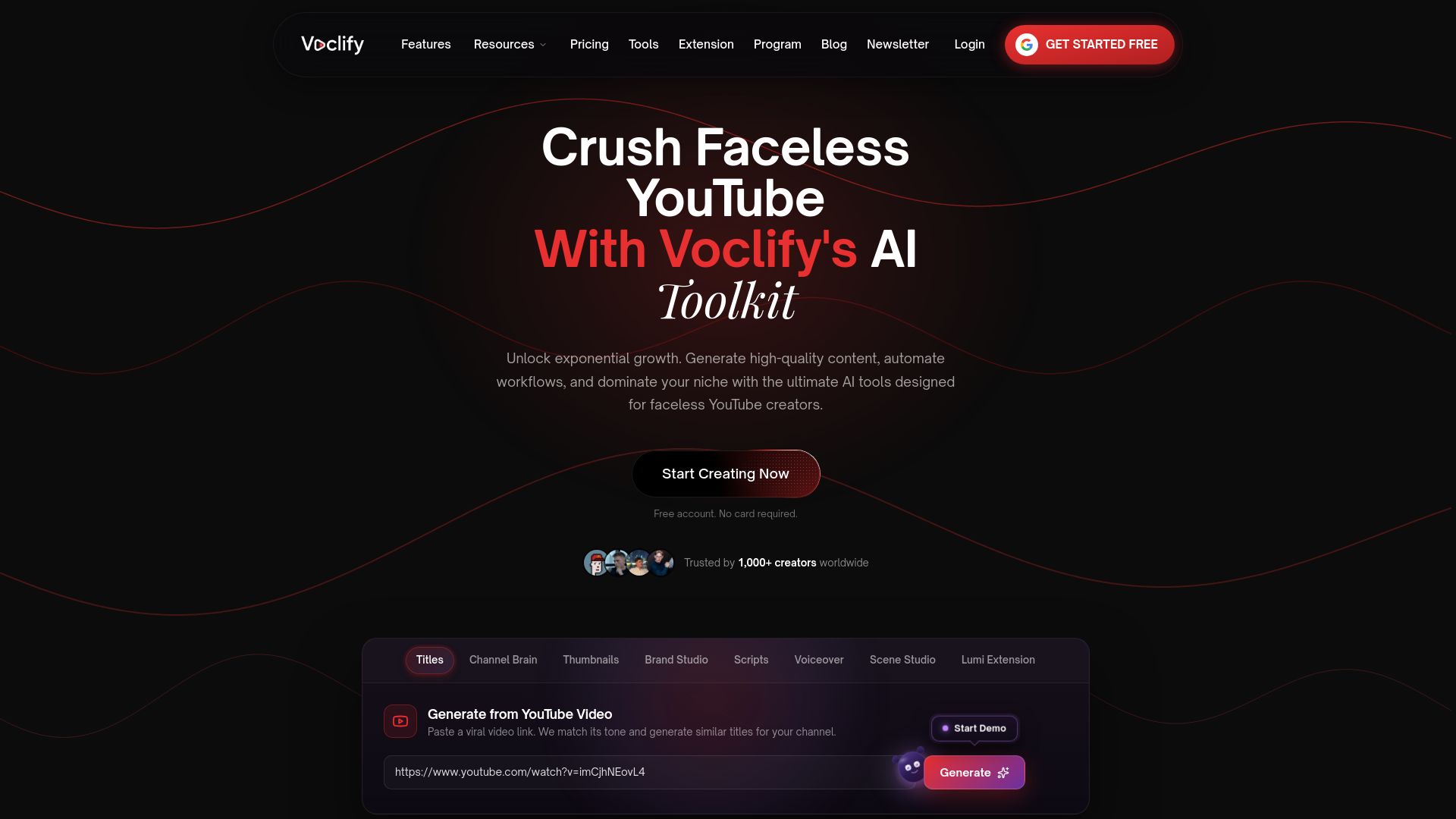
- Generate title and thumbnail variants from a single video summary using the AI YouTube tools built for faceless creators.
- Compare plans starting with Starter at $20 per month up through Studio for higher-volume channels.
- Explore the YouTube Faceless Operator Program if you want a structured path alongside the toolkit.
Check the plans and start drafting your next batch of titles at Voclify.
FAQ
What is a good clickbait title?
A good clickbait title creates genuine curiosity while staying accurate to what the video delivers. Templates like the reveal, the compressed value promise, and the time-limited outcome work well because they set a specific expectation rather than a vague one.
What are some catchy YouTube titles?
Catchy titles usually name a concrete payoff, like “I Tried the $5 Meal Plan for 30 Days” instead of a generic claim. The catchiest ones also match the thumbnail so the two elements reinforce a single promise, which YouTube’s own guidance recommends.
What are some typical clickbait headlines?
Typical clickbait phrasing includes lines like “You Won’t Believe What Happened Next” or “This One Trick Changed Everything,” both of which rely on vague hype instead of a checkable claim. The stronger approach keeps the same curiosity but names the actual event or result.
Is clickbaiting allowed on YouTube?
Curiosity-driven titles are allowed, but YouTube’s spam policy prohibits metadata that promises content the video doesn’t deliver. Titles and thumbnails that mislead viewers can reduce a video’s recommendation potential even without a formal strike.
Recommended

Get more of this in your Google results
Add voclify.io as a preferred source and Google shows you more of our articles in Search and AI Mode.