
YouTube thumbnail analysis is a pre-publish review of your thumbnail’s clarity, contrast, text legibility, curiosity and fit with the title. You do it by running the image through a checklist or an AI scoring tool, then confirming the result with real viewers after you publish. The analysis catches obvious problems early. The viewer test tells you what actually works. This guide shows you how to do both, how to read a score without being fooled by it, and where faceless creators should focus.
TL;DR
- Thumbnail analysis checks clarity, contrast, readable text, simplicity, curiosity and how the image looks on small screens. It scores the image, not the audience’s reaction.
- Treat an AI score as a list of fixes, not a forecast. No score can promise a click-through rate, views or growth.
- Confirm with real viewers using YouTube Studio’s Test & Compare, which picks winners by watch time share, not clicks alone.
- Upload at 1280 × 720 or higher so a low-resolution image doesn’t downscale your whole test.
- Faceless channels win with one clear subject, big short text and consistent branding across every upload.
What thumbnail analysis actually checks
A good analysis looks at the image on its own terms, before any viewer sees it. Most tools and checklists group their checks into four buckets.
Clarity. Can someone tell what the video is about in about a second? YouTube’s own guidance asks creators to think about audience fit, composition, readable fonts, visual simplicity, color and how the thumbnail appears across devices. That list is a solid skeleton for any analysis.
Readability. Text should be short and large enough to read on a phone. Vimeo’s guidance for creators points to high-contrast colors and short, large text that reads on mobile as basics.
Simplicity. YouTube advises keeping designs simple, because too much color and composition can overwhelm viewers. If your thumbnail has five focal points, none of them wins.
Curiosity. A thumbnail that hints at a secret or a benefit can earn the click, and a curiosity gap works best when it complements the title instead of repeating it.
Notice what is missing from that list: anything about who watches, what they searched, or what else sits next to your video. That is the line between analysis and testing, and it matters for the rest of this guide.
Analysis vs. previewing vs. testing
These three get mixed up, and each answers a different question.
| Method | What it tells you | What it can’t tell you |
|---|---|---|
| Analysis (checklist or AI score) | Whether the image follows good design practice: contrast, text size, simplicity, curiosity | How real viewers will respond |
| Feed preview | How the thumbnail and title look next to other videos on the homepage, in search and on mobile | Whether the design is strong on its own merits |
| A/B test with viewers | Which version holds up with your actual audience, measured by watch time share | Why a version won, unless you also analyze it |
Use them in order. Analyze first to remove weak designs. Preview second to see how you stack up against neighbors. Test third to let viewers decide. If you want a deeper walkthrough of the testing step for channels without a face on camera, we cover it in our guide to YouTube thumbnail testing for faceless creators.
The thumbnail analysis checklist
Here is the checklist I run on every thumbnail before it goes live. Score each line yes or no. Any “no” is a fix, not a verdict.
Composition and focus
- Is there one clear subject or idea, with a single place the eye lands first?
- Is the background quiet enough that the subject separates from it?
- Does the image still make sense if you cover the title?
That last question comes straight from a simplicity principle: a well-made thumbnail should be clear enough to convey the video’s value without leaning on the title. The title then adds detail rather than rescuing the picture.
Contrast and color
- Is there strong light-dark separation between subject, text and background?
- Are you using a limited palette instead of every color at once?
- Does it still read in grayscale?
The grayscale test is a fast way to check contrast. Convert the image to black and white. If the subject and text melt together, the colors were doing work the values should have done.
Text
- Is it three or four words at most?
- Is the font heavy and clean, not thin or decorative?
- Can you read it when the image is shrunk to a phone-feed size?
Size is where most thumbnails fail. We break the small-screen problem down in making YouTube thumbnails readable at 320×180.
Curiosity and honesty
- Does the image raise a question the video answers?
- Does the video deliver what the thumbnail suggests?
The second question is the one people skip. Vimeo’s perspective is that promising something the video can’t deliver hurts long-term trust and retention. That fits how YouTube frames testing too, as we’ll see below. A thumbnail that gets clicks and then loses viewers in the first thirty seconds is not a win.
Branding
- Would a returning viewer recognize this as yours without reading the channel name?
- Do colors, fonts and layout match your last ten uploads?
Consistency is a bigger deal for faceless channels, where there is no face to anchor recognition. More on that below.
How to analyze a thumbnail step by step
- Define the viewer. Write one sentence: who is this video for, and what do they want? YouTube’s guidance starts with who the video targets. A thumbnail built for everyone usually lands with no one.
- Run the checklist above. Be strict. Mark every “no”.
- Shrink it. View the image at feed size on a real phone, not a zoomed-in editor window. Check it across devices as YouTube suggests.
- Run an AI analyzer if you like. Use it as a second pair of eyes on contrast, text legibility and clutter. Don’t let it overrule your read of the audience.
- Fix the top one or two problems. Don’t redesign everything. Change what the analysis flagged most strongly, and keep the version that came before.
- Make a second variant. Change one major thing: the focal subject, the text, or the color treatment. You’ll need it for a real test.
- Publish and test. Move to Test & Compare, covered below.
If you’d rather start from structure than a blank canvas, our three thumbnail templates for faceless creators give you a repeatable layout to analyze against.
How to read an AI thumbnail score
Most analyzers give you a number out of 10 or 100, plus sub-scores for things like contrast, text and clarity. Here is how I treat them.
The sub-scores matter more than the total. A 78 overall can hide a 40 on text legibility. That 40 is your to-do list. The total is just a blend that makes the tool feel simple.
Scores are relative to the tool’s rules. Each analyzer weighs things differently. One rewards faces, another rewards bright colors. A score from one tool is not comparable with a score from another, and neither one knows your niche.
A low score on curiosity isn’t always a problem. Some videos win on clarity alone, like a straightforward tutorial where the viewer already knows what they want. A tool that pushes you toward mystery on every video can steer you wrong.
Recommendations are suggestions, not instructions. If an analyzer says “add a face” and you run a faceless channel, that tip doesn’t apply. Vimeo’s advice on faces is conditional too: it recommends expressive faces or clear product shots when they fit the content. Fit comes first.
A simple rule: act on any flag about legibility, contrast or clutter, because those are about whether people can see the image. Be more skeptical of flags about emotion or idea strength, because those depend on your audience.

Can thumbnail analysis predict CTR, views or growth?
No, and any tool that implies it does is overselling. Analysis reads the pixels and the design choices. It doesn’t see your audience, your topic’s competition, the title next to it or the moment someone scrolls past. Click-through rate depends on all of those.
What analysis can do is raise your floor. It removes avoidable mistakes: tiny text, muddy contrast, cluttered composition. A thumbnail without those mistakes has a fair chance to perform. Whether it does is a question for real viewers.
There’s a second reason not to chase a single number. YouTube says its title and thumbnail tests are optimized for overall watch time rather than CTR alone, because packaging should attract viewers who will find the video relevant, not just generate clicks. A thumbnail that scores beautifully on an analyzer but pulls the wrong audience can lose the test.
That is also why CTR on its own can mislead. We explain how it pairs with viewing behavior in CTR vs. APV, and what to do when clicks are the actual problem in our low-CTR fix guide.

Test with real viewers: YouTube Studio’s Test & Compare
Once your analysis is clean, let your audience vote. YouTube lets you create and run an A/B test directly in Studio’s Test & Compare feature. Real viewers see up to three variations, and YouTube picks the winner based on watch time share.
A few habits make the test worth running:
- Change one big thing between variants. If the subject, text and color all change, you won’t know what moved the result.
- Make variants meaningfully different. Two near-identical images teach you nothing.
- Keep the title constant when you’re testing thumbnails, so you’re measuring one variable.
- After the test, read your Analytics. YouTube recommends checking CTR by surface and audience after publication, because a thumbnail can work on the homepage and flop in search.
Then feed the winner back into your next analysis. Over a few videos you’ll see patterns: which compositions, text lengths and palettes win on your channel. That pattern library is worth far more than any generic score.
Specs and policy to check before you upload
Two technical details can quietly wreck a test.
Resolution. Use the highest-resolution thumbnails you can. YouTube states that if any test thumbnail is below 720p (1280 × 720), all thumbnails in the experiment are downscaled to 480p (854 × 480). One weak file drags down the others, so export every variant at full size.
Policy. Follow Community Guidelines. YouTube notes that violating them can mean you lose access to title and thumbnail testing. Check anything borderline before you publish, such as shocking imagery or misleading claims.
What faceless creators should analyze first
Without a face, you can’t rely on an expression to carry emotion. That changes the order of what to check.
- A single, bold subject. An object, a character, a graphic or a scene that tells the topic at a glance.
- Text as the second hook. Three or four words that add a question or a promise the image can’t show alone.
- A repeatable look. Pick a palette, a font and a layout, then keep them. Recognition is how a faceless channel builds a brand in the feed.
- Honest framing. Faceless niches often run on curiosity. Keep the video’s payoff matched to the promise, or retention will show it.
That last point connects thumbnails to the rest of your video. If people click and leave, the problem may be structure, not packaging. Our pieces on audience retention strategies and tutorial video structure cover what happens after the click. And your title has to carry its share, so run the same discipline with a title analysis.
If you’re comparing tools for the job, our overview of AI tools for YouTube thumbnails walks through what each type does. For general design habits, see our thumbnail tips to boost CTR.
Our perspective
We built Voclify for faceless creators, so we see the same pattern again and again: channels with solid videos lose clicks to thumbnails that were made in a rush, with no system behind them.
Analysis fixes that only if it’s part of a workflow. A one-off score is a nice moment. A routine is what compounds: write the title, build the thumbnail from your channel’s layout, run the checklist, make a second variant, test it, and record what won.
That’s why we put thumbnails, titles, scripts and branding in one toolkit instead of scattering them across separate apps. When your thumbnail, title and brand style come from the same place, consistency stops being a chore. You spend your time on the decisions that matter, like which idea to test next.
Our view is simple: use analysis to clean up the image, use viewers to pick the winner, and use a toolkit built for faceless channels so you can do both on every upload without burning hours.
Arnas
Put the workflow in one place
If you run one or several faceless channels, the slow part isn’t knowing what a good thumbnail looks like. It’s doing the checks on every upload. Voclify is an AI toolkit for faceless YouTube creators with tools for thumbnails, titles, scripts, descriptions and channel branding, plus a Chrome extension that works inside your browser workflow. Plans are published on our homepage at $20 per month for Starter, $50 per month for Growth and $99 per month for Studio.
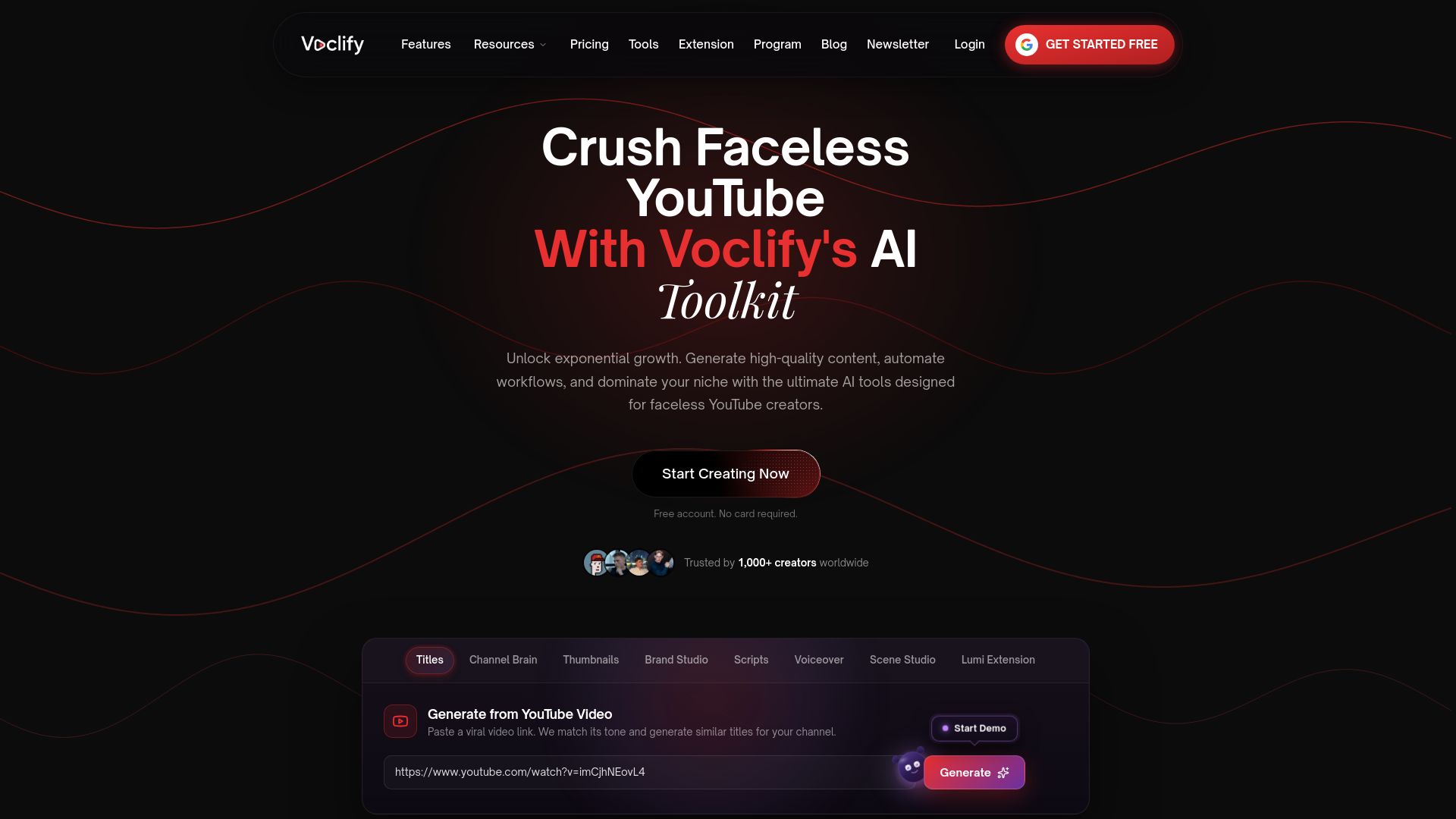
To see the thumbnail and branding tools, browse our AI tools for faceless creators or compare the plans. If you need a consistent look from day one, the AI brand studio builds your logo and banner so your thumbnails and channel page match.
FAQ
What does a YouTube thumbnail analyzer check?
Most check contrast, text legibility, clutter, color and how clearly the image communicates its idea. Some also score curiosity and emotion. They review the image itself, so they can’t see your audience or the videos your thumbnail will sit beside.
Is a high AI thumbnail score a guarantee of more clicks?
No. A score reflects how well the design follows a tool’s rules, not how viewers will react. Use it to fix legibility and clutter, then confirm with a real test in YouTube Studio.
How do I compare two thumbnails on YouTube?
Use Test & Compare in YouTube Studio. You can run up to three variations with real viewers, and YouTube picks the winner by watch time share. Export every variant at 1280 × 720 or higher so none is downscaled.
What size should a YouTube thumbnail be?
Use the highest resolution you can, with 1280 × 720 as the floor for testing. If one thumbnail in a test falls below that, YouTube downscales all of them to 854 × 480.
Do faceless channels need a different analysis?
The checklist is the same, but the weight shifts. Without a face, lean on one bold subject, short text and a repeatable brand style, and skip any tip that says to add a face.
Sources
- Thumbnail & title tips - YouTube Help
- A/B test titles & thumbnails - YouTube Help
- Best Practices for Video Thumbnails to Get More Clicks - Vimeo
- How to make an engaging video thumbnail for YouTube - Storyblocks
Recommended

Get more of this in your Google results
Add voclify.io as a preferred source and Google shows you more of our articles in Search and AI Mode.


