Title analysis scores your headline on clarity, curiosity, keyword placement, and predicted click-through rate, then tells you what to fix. Run a 30 second check before you hit publish: read your title on mobile, confirm your keyword sits in the first few words, and add one specific detail, a number or a clear outcome. Pair that quick pass with YouTube’s built-in A/B testing once the video is live, and let an AI tool handle the scoring if you want it automated.
TL;DR:
- Titles should include the main keyword within the first five words and be 40 to 50 characters long to avoid truncation on mobile devices.
- Adding a specific detail, such as a number or clear outcome, helps set concrete expectations and improves click-through rates.
- Testing title variants through YouTube’s A/B system or manual comparison is crucial, especially focusing on one variable at a time like keyword placement or phrasing.
- Prioritize title optimization for videos relying on search traffic, and fix content issues first if both CTR and watch time are low.
- Use automated tools to score and generate title variants, saving time and maintaining consistent channel branding during high-volume uploads.
Why scoring titles before you publish matters for CTR and growth
I’ve watched creators obsess over thumbnails and treat the title as an afterthought, then wonder why a great video gets buried. A one or two point CTR gain on Home and Suggested compounds fast because those surfaces feed more impressions to whatever already performs, so a stronger title at hour one can change the trajectory of the entire upload window.
Titles don’t work the same way everywhere. A phrase that pulls curiosity-driven clicks on Home might do nothing in Search, where viewers already know what they want and reward specificity over intrigue.
- Home and Suggested reward curiosity and pattern recognition from viewers who weren’t looking for you.
- Search rewards clear, literal keyword matches because the viewer typed the question.
- Subscriptions feed rewards brand recognition, so your title can lean shorter and more direct.
Scoring a title before publish also saves you from the slower alternative: editing titles retroactively after watching a video underperform for three days, guessing at fixes with no baseline to compare against.
What a high-quality YouTube title actually contains
A good analyzer, human or AI, checks the same handful of attributes every time. Length matters first because YouTube’s own guidance points out that titles get cut off differently depending on where they appear, and a title that reads clean on desktop can truncate awkwardly on a phone screen.
- Length and preview behavior: keep the core message inside the first 40 to 50 characters so mobile truncation never hides your point.
- Front-loaded keywords: put the word someone would search for inside the first three to five words, not buried at the end.
- Specificity: a number, a timeframe, or a named outcome sets a concrete expectation that a vague phrase can’t match.
- Curiosity versus accuracy: a curiosity gap earns the click, but only if the video delivers on it, or your average view duration drops on the next upload.
- Formatting: skip ALL CAPS, use at most one emoji if any, and keep punctuation clean since a title stuffed with exclamation points reads as noise.
Custom thumbnails appear on 90% of the top-performing videos on YouTube, a reminder that your title score means little if the thumbnail next to it fights the same message instead of reinforcing it.
A 30 to 90 second title check you can run before every publish
You don’t need software open to run this. It’s a five-step pass that takes less time than writing the description.
- Paste your title into a note and count characters, then picture it at roughly 40 to 50 characters visible on mobile before it truncates.
- Confirm your primary keyword or topic word sits inside the first five words, then write a second version with a number or a named outcome swapped in.
- Open an incognito YouTube search for your target keyword and see how your draft title compares against what’s already ranking, including where those titles get cut off.
- Score the title yourself on a rough 0 to 100 scale across clarity, curiosity, and keyword placement, or let a scoring tool do it.
- Keep your top two variants and set them aside for an A/B test once the video is live.
Pro Tip: Write your title before you script the video’s hook, then check that the hook actually delivers on the promise the title made.
The repeatable rewrite workflow: baseline, hypothesis, variants, test
Every title fix follows the same four moves, whether you’re doing it by hand or with an AI-assisted scorer sitting in your workflow.
- Score the baseline. Note where it’s weak: keyword placement, vague phrasing, or a missing specific detail.
- Form one hypothesis. Decide whether the fix is a keyword swap, a specificity add, or a stronger verb, and test only that variable.
- Write two or three variants. Make them different enough that a test can actually tell them apart, not three versions of the same six words.
- Test or measure. Run YouTube’s A/B test if the video has enough impressions, or compare CTR and watch time manually on similar past uploads.
A weak-verb swap looks small on paper: “How to Edit Videos Faster” becomes “Cut Your Editing Time in Half.” The second version front-loads a number and a concrete outcome instead of a generic promise.
Pro Tip: Test one variable at a time. Two variants that differ in both keyword placement and tone will win or lose for a reason you can’t identify afterward.
Automating this cycle matters most for faceless channels running several uploads a week, where manual scoring for every title eats hours that should go into production. It also keeps titles from drifting away from a channel’s established voice when someone else is writing them.
When to prioritize the title over the thumbnail or the content itself

Prioritize title testing when your traffic leans on Search or when a video underperforms despite a strong topic, since that combination usually points to a discoverability problem rather than a content problem. Thumbnail changes tend to win more often on Home and Suggested, where the image gets seen before the words register.
If both CTR and watch time are weak, the content itself needs the fix first. No title rewrite saves a video that doesn’t deliver on its premise.
— Arnas
How Voclify fits into your title testing workflow
This tool was designed for faceless creators who need to move through this scoring and rewrite cycle without spending an afternoon on each title. It scores drafts against the same attributes covered above, generates variants when your baseline is weak, and can integrate inside YouTube Studio to avoid switching tabs mid-workflow.
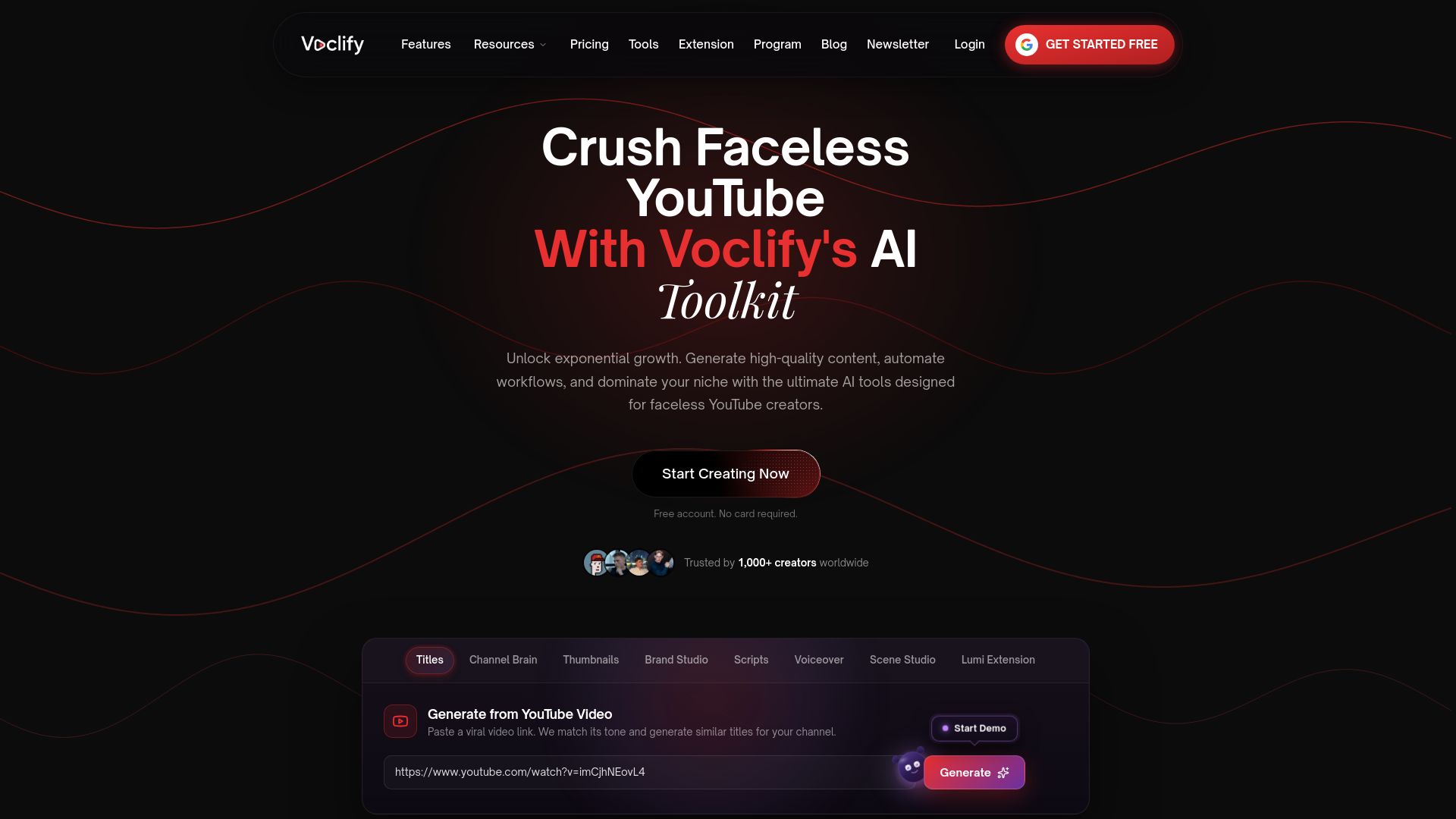
- Title scoring and generation tools that flag weak keyword placement or vague phrasing before you publish.
- Workflow automation that carries your brand voice across scripts, titles, and thumbnails.
- A Chrome extension that puts these tools directly inside YouTube Studio.
Plans start with Starter at $20 per month, with Growth at $50 and Studio at $99 for channels running heavier production schedules, all detailed on the Voclify tools page. Creators who want a guided setup can look at the YouTube Faceless Operator Program for structured support on top of the toolkit.
Where to check the details yourself
For the mechanics of A/B testing and how YouTube reads impressions and CTR, go straight to the source. YouTube’s A/B testing help page covers how variants get tested and how winners are chosen, while YouTube’s impressions and CTR FAQ explains why CTR shifts by traffic source. For a deeper look at watch time itself, Influenna’s breakdown is a useful companion read.

FAQ
How do I check if my YouTube title is good?
Run a quick check across four things: does your keyword sit in the first five words, does the title stay clear inside roughly 40 to 50 characters on mobile, does it include a specific detail like a number or outcome, and does it avoid overpromising what the video delivers. If a title fails two or more of those checks, rewrite it before publishing.
How many views do I need to make $10,000 a month on YouTube?
Earnings depend heavily on niche, audience location, and video length, since ad rates vary widely across those factors, so there’s no fixed view count that applies to every channel. Creators typically build toward that income through a mix of ad revenue, sponsorships, and affiliate income rather than views alone.
What is the YouTube 7 second rule?
There’s no official YouTube policy called a “7 second rule.” The idea usually refers to the common creator practice of front-loading a hook or payoff early in a video since early drop-off strongly affects average view duration and how the video gets recommended.
How many views on YouTube do you need to make $2,000 a month?
This depends on your ad rate, niche, and monetization mix, so there’s no single view count that guarantees that income across channels. Many creators reach that level by combining ad revenue with sponsorships or product sales rather than relying on ad views alone.
Recommended

Get more of this in your Google results
Add voclify.io as a preferred source and Google shows you more of our articles in Search and AI Mode.