
Keep your title between 40 and 55 characters, even though YouTube’s technical cap runs to 100. That window keeps your title fully visible on mobile, where most watch time happens, and puts your primary keyword where both viewers and the algorithm see it first. Front-load the keyword, then adjust up or down based on what your own click data tells you.
TL;DR:
- Titles should prioritize the first 40 to 55 characters to ensure full visibility across mobile, desktop, and sidebar surfaces where most viewers watch.
- Front-loading keywords and using concise, benefit-driven words increases both search discoverability and click-through rates without risking truncation.
- Incorporating numbers and avoiding all caps or excessive punctuation make titles more engaging and easier to read at a glance.
- Testing different titles using preview tools and analytics helps determine the optimal length and wording specific to your channel’s audience and niche.
- Longer titles may be acceptable for branded series or long-tail keywords when the most critical words are placed at the beginning within the 40-55 character window.
What’s the Real Limit on Title Length for YouTube?
YouTube’s backend accepts titles up to 100 characters, but almost nobody sees all of them. The visible portion shrinks depending on where a viewer encounters your video, and that gap between “technical cap” and “what people actually read” is where most creators lose clicks without realizing it.
Desktop search results typically show around 70 characters before cutting off with an ellipsis. Mobile feeds, where the majority of your audience lives, display closer to 50–55 characters. The suggested video sidebar is even tighter, and the home feed sits somewhere in between. YouTube indexes the full 100 characters regardless of what’s visible, which is why front-loading matters as much for search as it does for clicks.
Here’s how visible space breaks down by surface:
| Surface | Approximate Visible Characters | Notes |
|---|---|---|
| Mobile search results | ~50–55 | Most watch time happens here |
| Desktop search results | ~55–70 | More forgiving, but not unlimited |
| Suggested sidebar | ~50 | Tightest space on any surface |
| Home feed | ~55 | Varies by device and font scaling |
Since over 70% of YouTube watch time occurs on mobile, the mobile number is the one that should drive your decisions, not the desktop number that happens to give you more room to work with.
Why 40 to 55 Characters Is the Sweet Spot
The 40 to 55 character range isn’t a guess. It’s the point where a title stays fully readable across every surface without forcing you to sacrifice the words that actually explain what the video delivers.
A peer-reviewed analysis of 12,466 Microsoft Excel tutorial videos found a bell-shaped relationship between title length and view counts. Titles that were too short lacked context, and titles that ran too long lost clarity and got truncated before the payoff. The videos that performed best sat in a middle zone, not at either extreme.
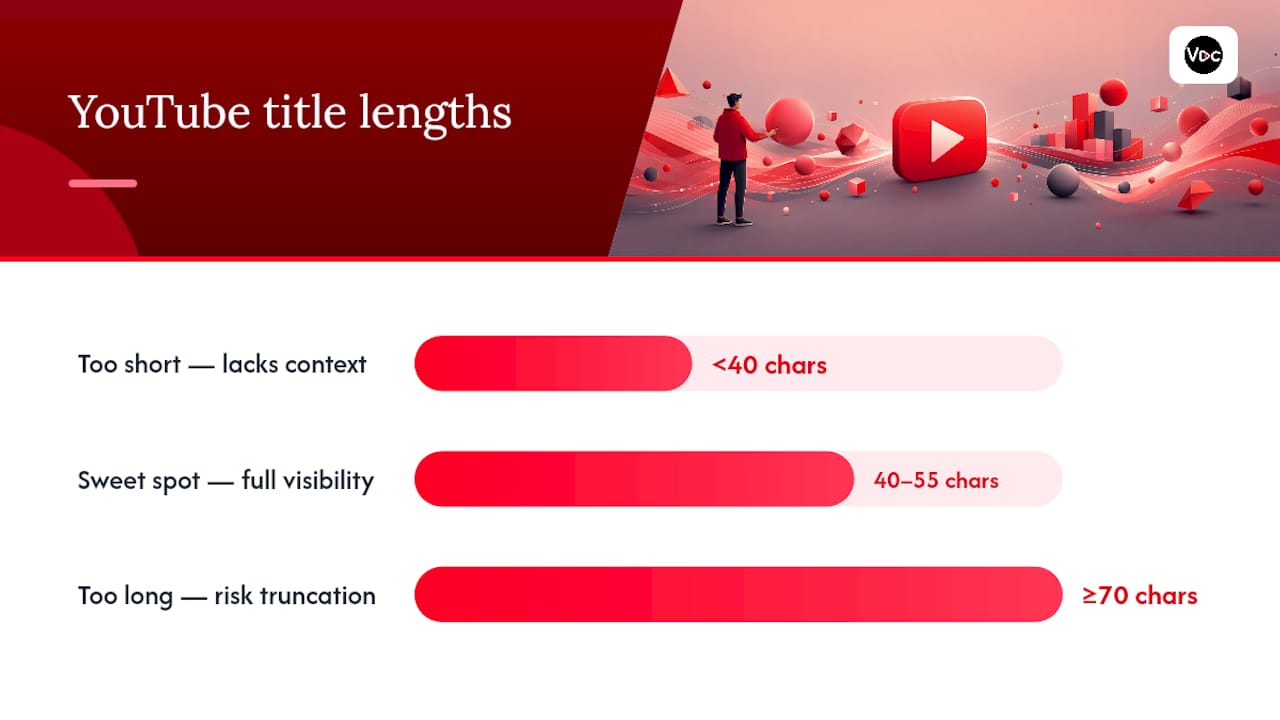
The 40-character mark is the one number to remember: it’s roughly where mobile truncation starts cutting off unread words, and where your primary keyword needs to already be visible.
This is backed by a few consistent patterns:
- YouTube’s own display behavior shows primary keywords need to sit within the first 40 to 50 characters to remain visible on both search and indexing.
- Preview tools and industry testing consistently recommend the 40 to 55 character range as the safest zone for full visibility across mobile and desktop.
- Titles that push past 70 characters risk having their most persuasive words (numbers, outcomes, hooks) chopped off exactly where curiosity would have converted to a click.
Front-loading isn’t just a visibility trick. It’s an indexing decision too, since the words YouTube weighs most heavily for search relevance tend to be the ones closest to the front of the string.
How to Write a Title That Fits the Sweet Spot
Writing inside a 40 to 55 character window forces discipline, which is exactly why it works. Here’s the process I’d run for every title before it goes live:
- Put your primary keyword in the first 40 characters. If the keyword phrase isn’t visible before the mobile cutoff, it’s doing you almost no good.
- Aim for 6 to 10 words. Fewer than 6 usually feels vague; more than 10 usually means you’re padding.
- Use a number where it’s true. “5 Mistakes” or “$2,000 a Month” gives viewers a concrete reason to click, and numbers tend to survive truncation better than adjectives do.
- Skip ALL CAPS and stacked punctuation. One exclamation point or question mark is fine. Three isn’t. YouTube’s algorithm doesn’t care, but viewers read excessive punctuation as a signal of low-effort clickbait.
- Push branding to the end. If you run a series or need a channel tag, tuck it after your core hook, not before it. The keyword and the hook earn the front seats.
Pro Tip: Read your draft title out loud at the 40-character mark. If it still makes sense as a standalone phrase there, you’ve front-loaded correctly. If it trails off mid-thought, rework the order before you touch the rest of the title.
Titles that follow this structure tend to read faster on a screen, and this practical rule set works alongside broader YouTube SEO fundamentals rather than replacing them.
Which Tools Actually Check Your Title Length?
You don’t need to eyeball character counts. A handful of free tools do the work in seconds, and each one tells you something slightly different.
- Live character counters show your raw count against the 100 character cap, useful for a quick sanity check but not the full picture.
- Cross-surface previewers, like the YouTube title length checker from DDaverse, simulate how your title truncates on mobile, desktop, and the sidebar side by side.
- Combined title and thumbnail previewers matter because a thumbnail with bold text can visually compete with a truncated title, making the whole package feel cluttered even when the character count is technically fine.
- AI title generators, such as AmmarAI’s title tool, can spit out several length-compliant options fast when you’re stuck rewording the same phrase for the tenth time.
The workflow that works: write your draft, run it through a previewer, confirm it still reads clean next to your thumbnail, then publish or route it into an A/B test if the video is a priority upload.
How Do You Test Title Length for Your Own Channel?
Recommendations are a starting point, not a rulebook. Your audience, niche, and thumbnail style all shift what actually converts clicks, so testing beats guessing every time.
- Choose your test method. YouTube’s built-in experiment tools let you rotate titles on live videos, while third-party A/B tools give more control over timing and sample splits.
- Track the right metrics. Watch impressions and click-through rate first, since those tell you whether the title is earning attention. Then check average view duration and watch time to confirm the title didn’t just bait a click without delivering.
- Run the test long enough to trust it. Give it 7 to 14 days for high-traffic channels, up to 28 days for smaller ones, and keep the thumbnail and upload schedule identical between variants so length is the only thing changing.
Anything shorter than a week rarely produces enough impressions to separate signal from noise.
Title Templates You Can Copy Right Now
A handful of structures consistently fit inside the 40 to 55 character window without feeling cramped:
- Number plus benefit: “5 Mistakes Killing Your CTR (Fix Now)”
- How-to plus timeframe: “How to Edit Faster in 10 Minutes”
- Problem/solution: “Why Your Titles Get Ignored”
- Result-driven: “I Grew 10K Subs With One Change”
Before you hit publish, run through this: count your characters, confirm the keyword sits in the first 40, preview it next to your thumbnail, and queue an A/B test if the upload matters for growth. Longer titles can work for branded series or genuinely long-tail search terms, but keep the essential words up front so the risk of truncation doesn’t cost you the click.
Pro Tip: Save three or four templates that consistently perform for your niche, then swap in fresh numbers and outcomes each time. It’s faster than starting from a blank page, and it keeps your click-driving structure consistent across uploads.
Why Trust This Title Length Guidance?
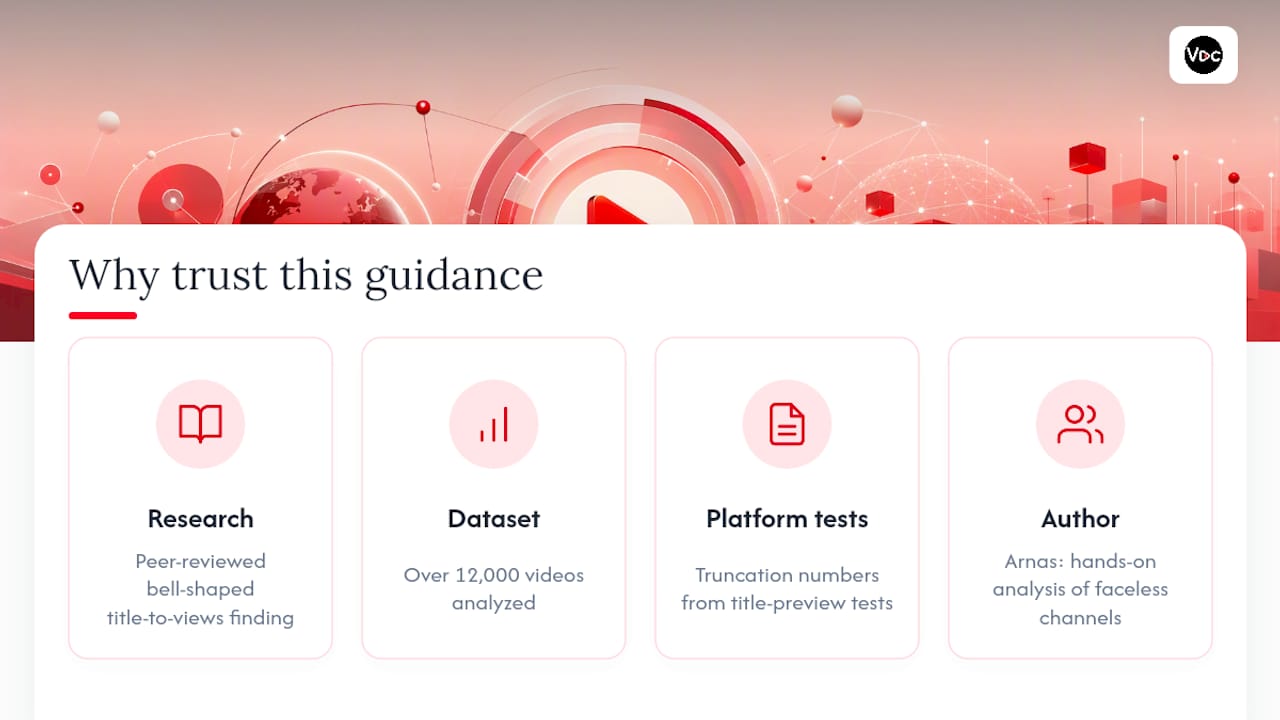
This guidance is built on published research, not gut feeling. The bell-shaped relationship between title length and views came out of a peer-reviewed dataset of over 12,000 videos, and the surface-by-surface truncation numbers come from direct platform testing by title-preview tool builders.
Some title generators apply these same visibility rules automatically, so creators using such tools aren’t guessing at character counts by hand. Author Arnas has spent time analyzing hook structure and title performance across faceless channels, and the workflow in this guide reflects that hands-on pattern recognition rather than recycled platform tips.
When It’s Fine to Break the 40-to-55 Rule
Rules exist to be tested, not worshipped. Branded series titles sometimes need consistent phrasing that runs a little longer, and that’s fine as long as the keyword and hook still land before the cutoff. Long-tail keyword phrases are the same trade: if a longer term drives real search volume, front-load the essential words and let the rest trail into truncation territory.
The one habit that never stops paying off is checking your own analytics instead of assuming a blog post (including this one) knows your audience better than your CTR data does.
— Arnas
Try Voclify’s Title Tools Before Your Next Upload
Writing inside a 40 to 55 character window gets easier once you’re not doing the math by hand. Voclify’s AI title generator builds options that front-load your keyword automatically and flag when a draft is about to run long, so you’re not guessing at truncation before you publish.
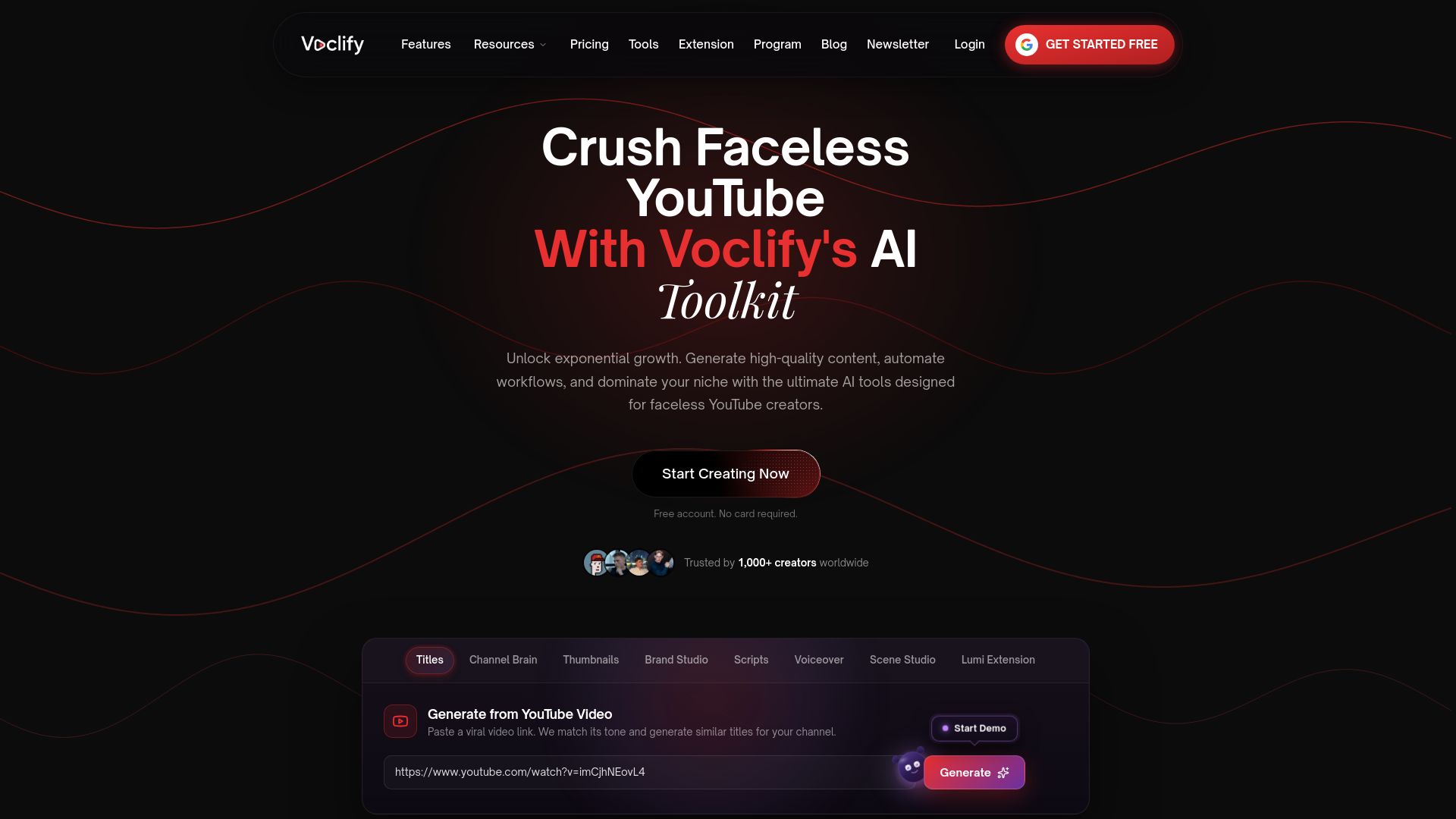
The tool pairs with Voclify’s preview and thumbnail workflows, letting you check how a title reads next to your thumbnail before you commit to it, then queue variants for testing instead of manually swapping titles between uploads. For creators managing multiple faceless channels, that means less time spent counting characters and more time spent reviewing what your CTR data is actually telling you. If you want a faster path from draft title to published video, start with Voclify’s toolkit and run your next title through the generator before it goes live.
Sources
- How to write YouTube titles 2026
- Effect of Title Length and Word Count on Views: Evidence from Microsoft Excel videos on YouTube
- YouTube Character Limits 2026: Title 100, Description 5,000
- YouTube Title Length Checker & Preview Tool (Free) | DDaverse
FAQ
How Long Should a YouTube Title Be?
Keep it between 40 and 55 characters for full visibility on mobile and desktop, even though YouTube technically allows titles up to 100 characters.
How Many Views Does YouTube Need to Make $2,000 a Month?
There’s no fixed view count because it depends heavily on niche, ad rates, and monetization mix, but channels typically need somewhere in the hundreds of thousands of monthly views to reach that figure through ads alone.
What Is the 7 Second Rule on YouTube?
It refers to the idea that viewers decide whether to keep watching within the first few seconds of a video, making a strong opening hook just as critical as the title itself for holding attention.
What Is the Longest Title Ever Used on YouTube?
There’s no verified record of the single longest title on YouTube, since the platform allows up to 100 characters and creators occasionally max that out for long-tail search experiments, though doing so typically hurts visibility on mobile surfaces.
Recommended

Get more of this in your Google results
Add voclify.io as a preferred source and Google shows you more of our articles in Search and AI Mode.


