A good Shorts workflow is a fixed loop you run the same way every time: collect topics, write a tight script, build visuals and voiceover from a template, review against a checklist, publish on a schedule, then feed the results back into your topic list. Automation belongs in the repeatable steps. Your judgment belongs in the topic, the hook and the final review. I’ve watched channels burn out by doing it the other way around, so this guide lays out the loop step by step.
TL;DR
- Run Shorts as a loop of six steps: topics, script, assets, review, publish, learn. Write each step down so it takes minutes, not hours.
- Automate the repetitive parts (titles, scripts drafts, scenes, voiceover, captions, branding). Keep the topic choice and the final watch-through manual.
- Early on, volume teaches you more than polish. YouTube’s own creator advice for beginners is to prioritize quantity in your first 50 videos.
- Protect monetization: reused or mass-produced material needs real changes and commentary or value added, and the Shorts revenue-share rules are changing.
- Use a one-page checklist so every Short ships with the same branding and the same quality bar.
What a Shorts workflow actually is
People search for “Shorts automation” and expect one magic button. In practice, a workflow is a sequence of decisions you stop re-making. You decide once how a Short is structured, which fonts and colors it uses, what voice reads it, how long you spend reviewing it and when it goes live. After that, every new Short is just filling in a template.
For a faceless channel this matters more than for an on-camera creator. There’s no personality carrying a weak video, so consistency of format, branding and pacing is what makes viewers recognize you in the feed and come back.
The loop has six steps:
- Capture topics in one place.
- Script each Short in a fixed structure.
- Build visuals, voiceover and captions from templates.
- Review against a checklist.
- Publish on a schedule.
- Learn from the numbers and feed them back to step 1.
The rest of this article walks through each one, with the time budget I’d aim for and where automation helps.
Step 1: Build a topic bank, not a daily scramble
The most common workflow failure is waking up with no idea what to post. Fix it by batching ideas weekly into a single list.
A content-calendar guide from Socially.page, published in May 2026, suggests recording each idea with the audience problem, the promised outcome, the format and the urgency or emotional angle. It also points to recurring questions from comments, direct messages, search queries and analytics as dependable topic sources. I use the same columns because they force you to name who the Short is for before you write a word.
Good places to mine:
- Your own comments. A question asked twice is a Short. Our guide on building community with comment strategies shows how to turn replies into a steady idea feed.
- Your analytics. Look at which Shorts held viewers and which got swiped away, then make more of the first kind. Our 30 minute audience insights workflow walks through that review.
- Search demand. If a long-form video on your channel answers a question people type into YouTube, a Short can answer one slice of it. A YouTube SEO guide is a handy refresher on how titles and keywords connect to search.
- Competing channels in your niche. Note which formats keep getting reposted by others and which topics draw comments. You are looking for patterns to adapt, never videos to copy.
Aim for 15 to 20 ideas at a time. That’s enough for a couple of weeks and keeps you from choosing under pressure.
A simple idea card
Each row in your topic bank should hold:
| Field | Example |
|---|---|
| Audience problem | New creators don’t know why their Shorts get swiped away |
| Promised outcome | One fix for the first two seconds |
| Format | Voiceover over scene images, 25 to 35 seconds |
| Angle | Mistake most people repeat |
| Source | Comment from last week’s video |
If you can’t fill the first two cells, the idea isn’t ready.
Step 2: Script in a fixed structure
Shorts scripts are short, but they still need a shape. The structure I recommend never changes:
- Hook (first sentence). State the payoff or the tension. No greeting, no channel intro.
- Setup (one or two lines). Why this matters to the viewer.
- Payload (three to five beats). One idea per beat, each short enough to be a single caption or scene.
- Close (one line). A payoff, a loop back to the hook, or a pointer to a related video.
Write for the ear. Read it aloud. If you run out of breath in a sentence, split it. Cut every word that doesn’t move the viewer to the next beat.
Hooks do most of the work, and the same principles apply from long-form. Our piece on hooks that keep viewers past 30 seconds breaks down patterns you can adapt, and the audience retention strategies article covers why pacing matters.
Where AI helps in scripting
Drafting is the best place to automate. Give an AI tool the idea card, your structure and a few of your best past scripts, and ask for three hook options and a first draft. Then edit. The edit is where your channel’s voice lives, so don’t skip it.
On Voclify, the script, title and description tools exist for exactly this, and the AI tools for faceless creators page shows what’s in the suite. The principle holds with any tool: the machine drafts, you decide.
Step 3: Build visuals, voiceover and captions from templates
This is where hours disappear if you start from scratch each time. The fix is to define a “look” once and reuse it.
Visuals
Faceless Shorts rely on scenes: stock-style footage, generated images, screen recordings, animated text or illustrations. Pick one or two visual styles and stay with them. Mixing five looks in a month makes a channel feel random.
A practical rule: change the visual every beat of the script, roughly every two to four seconds, so the screen never sits still. If you generate scene images from your script, a storyboard-style tool speeds this up. Our scene generator turns script beats into consistent scene images for that reason.
Voiceover
Choose one voice and keep it. Viewers who come back to a channel start to associate that voice with the brand. Record or generate the voiceover in a single pass, then trim pauses. Keep a short pronunciation list for names and niche terms so you don’t re-record.
Captions
Most people watch Shorts in noisy or silent settings, so burned-in captions matter. Set one caption style (font, size, highlight color, position) and reuse it. Keep captions inside the safe area so the interface doesn’t cover them.
Making Shorts from existing long videos
If you already publish long-form, you have a Shorts library waiting. The approach that works:
- Find the single most self-contained moment, a clear tip, a surprising fact or a result.
- Rewrite the first line so it works as a standalone hook.
- Re-cut with new visuals or on-screen text so the Short feels made for the feed.
Treat this as adaptation, not clipping. That distinction also matters for monetization, which we cover below.
Branding that stays consistent
A consistent look is what lets a viewer who sees three of your Shorts in a week realize it’s the same channel. Lock down your logo, banner, color palette, fonts, caption style and intro or outro (if any), and put them in a single reference sheet. If you’re starting a channel from zero, our channel starter kit and brand studio handle names, logos and banners so the identity exists before the first upload.
Step 4: Review with a checklist, not a gut feeling
Review is the step creators skip when they automate, and it’s the one that separates channels that grow from channels that get ignored. Keep it to five to ten minutes per Short.
Watch it once on your phone, with sound on, then once muted. Then run the list:
- Does the first second show or say the payoff? If the opening is slow, trim it. YouTube’s creator stories note that minor adjustments such as trimming slow openings or editing out drop-off segments can improve Shorts performance.
- Is every claim accurate? Check names, numbers and dates, especially in AI-drafted scripts. Generated text can state things confidently that aren’t true.
- Do captions match the voiceover and stay inside the safe area?
- Does it match your brand sheet? Colors, fonts, voice, logo placement.
- Is it original enough? Would a viewer see this as your take, with your structure and added value?
- Does it end cleanly? No dead air after the last line.
If a Short fails two or more checks, fix it or drop it. Posting a weak Short doesn’t help your numbers and it dilutes the feed that new viewers see.
Step 5: Publish on a schedule you can sustain

Consistency beats intensity. Pick a cadence you can hold for months, then batch to meet it. A common pattern is to script and build on one or two days a week and queue everything for the rest.
Here is a sample weekly rhythm for a one-person channel posting five Shorts a week:
| Day | Task | Time |
|---|---|---|
| Monday | Refresh topic bank, pick five ideas | 45 min |
| Tuesday | Write and edit five scripts | 90 min |
| Wednesday | Generate scenes, voiceover, captions | 2 hours |
| Thursday | Review all five, fix, write titles and descriptions | 60 min |
| Friday | Schedule uploads, answer comments | 30 min |
That’s about six hours for five Shorts, and it gets faster once templates settle. The numbers are my own planning estimates, not a benchmark, so adjust them to your tools.
A few points on timing and optimization:
- Don’t obsess over technical tweaks. Creator Matt Koval’s advice, shared on the YouTube blog, is that in short-form content matters far more than factors like tags or exact posting times. Pick a consistent slot and move on.
- Keep going after you’ve gained an audience. Marie Stella, in YouTube’s creator series, describes keeping an audience as at least as important as gaining one, and she posted Shorts daily without watching the numbers. A steady cadence builds that loyalty.
- Schedule inside YouTube Studio or through whatever scheduler you use, but confirm each upload went live as planned. Spot-check once a day.
For the bigger picture on how Shorts fit into channel growth, see our Shorts strategy guide for growth and the walkthrough on increasing video views with Shorts.
Step 6: Learn and feed it back
Once a week, spend 20 minutes on a review. You aren’t hunting for a viral hit. You’re looking for patterns.
Track three things per Short:
- Hook performance. How many viewers stayed past the first seconds versus swiped away.
- Retention shape. Where the line drops. Cut or tighten that moment in the next script.
- Follow-through. Comments, subscribers gained and clicks to related videos.
Then update the topic bank. Double down on the formats and angles that held viewers, and retire the ones that didn’t after a fair test. Early on, don’t judge too fast: the first 50 videos are for learning what your audience responds to, which is why the advice to favor quantity at the start is sound.
If your Shorts are meant to feed long-form videos, check that the Short’s topic points to something your longer content actually delivers. Our tutorial video structure guide helps there.
Protect monetization while you automate
Automation makes it easy to ship a lot of videos. It also makes it easy to ship videos that don’t qualify for monetization. Two points to build into your review step.
Originality. YouTube’s monetization policy says creators must make significant changes to others’ material to make it something new, and reused content without meaningful commentary, changes or educational or entertainment value may not qualify. For a faceless workflow, that means every Short needs your own script, your own structure and real added value. A stock clip with a generic voiceover isn’t enough.

Shorts revenue thresholds. YouTube’s Shorts monetization policy page states that, starting February 1, 2027, YPP partners need at least 10 million valid Shorts views in the previous 90 days to share monthly in Shorts ad and YouTube Premium revenue. Because rules like this can change, check the current Help Center page before planning income around Shorts alone. If you run several channels, this is one more reason to treat Shorts as a growth engine that feeds longer videos and your wider channel strategy.
Our perspective: automate the repeatable, protect the human parts
We built Voclify for faceless creators because we kept seeing the same pattern. A channel starts strong, the creator runs out of time between scripts, thumbnails, voiceovers and uploads, and consistency falls apart. The problem is rarely talent. It’s that the production steps eat the hours that should go into choosing better topics.
Our view is that a Shorts workflow should be treated like a small production line. Every step that looks the same from one video to the next, such as title options, script drafts, scene images, voiceover and branding, is a candidate for automation. Every step that needs taste, such as which topic to pick, how to open and whether a video is good enough to publish, stays with you.
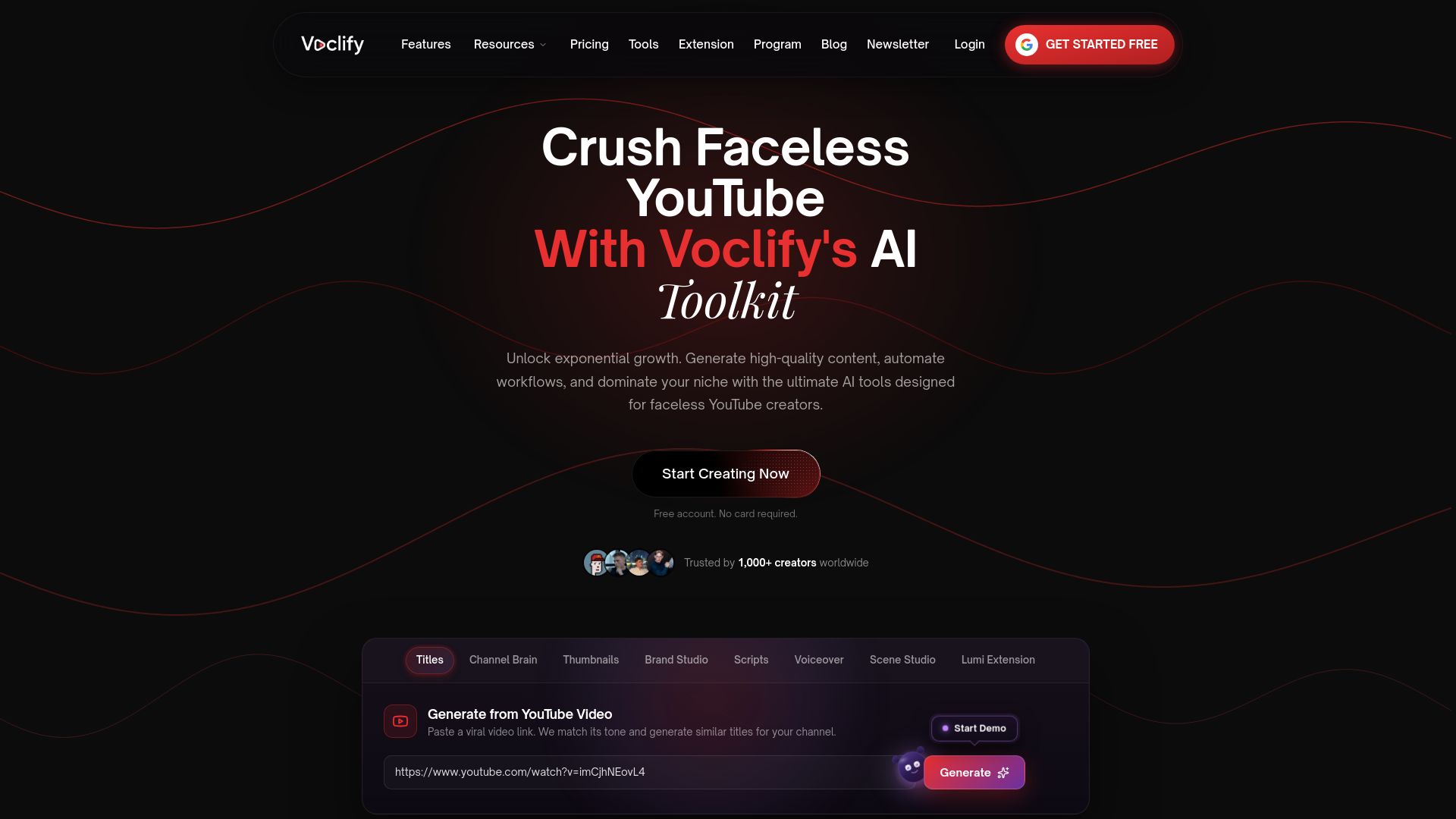
That’s why Voclify is a suite of 13 AI tools made for faceless creators rather than a general-purpose editor, plus a Chrome extension that works inside YouTube Studio. The point isn’t to remove you from the process. It’s to make the repeatable parts quick enough that you can run the loop every week, keep your branding identical across every upload and have time left to study what your audience is telling you.
More than 1,000 creators have used it across many faceless niches. The ones who get the most out of it write down their loop first, then automate it one step at a time.
Arnas
Try the loop with the right tools
If you want the production steps handled in one place, Voclify offers Starter at $20 per month, Growth at $50 per month and Studio at $99 per month. Each plan gives you access to AI tools for scripts, titles, descriptions, thumbnails, voiceovers, scene generation and channel branding, so you can set up your template once and reuse it for every Short. See the plans on our homepage and pick the one that fits how many channels you run.
If you run several faceless channels or work with clients, take a look at the YouTube Faceless Operator Program too. And if you’re comparing planning options first, our roundup of AI content planning tools explains what to look for.
FAQ
How long should a Shorts workflow take per video?
Once your templates are set, expect roughly 60 to 90 minutes per Short if you do everything yourself, and less when you batch. Batching topics, scripts and voiceovers in blocks saves the most time. These are planning estimates from the sample week above, not a fixed benchmark.
Can I fully automate a faceless Shorts channel?
You can automate most production steps, but a channel with no human decisions tends to drift into repetitive, low-value uploads. YouTube’s monetization policy says reused or repetitive material without significant changes or added value may not qualify. Keep topic choice, hook writing and a final review in your hands.
Should I post Shorts every day?
Post as often as you can keep up with without dropping quality. Marie Stella shared that she posted Shorts daily, and YouTube’s advice for new creators is to favor volume early on while you learn what works. If daily isn’t sustainable, a fixed three to five per week still builds the habit.
Do tags and posting time matter for Shorts?
Less than the content itself. A creator featured on the YouTube blog argues that content matters far more than tags or exact posting times for short-form. Choose a consistent publishing slot, then spend your effort on the first seconds of each video.
Sources
- 11 tips from one of YouTube’s fastest growing creators
- Road to 1 million subscribers with Rick Smith Jr.
- Road to 1 million subscribers with Marie Stella
- Short-Form Video Content Calendar Template, Socially.page
- YouTube channel monetization policies, YouTube Help
- YouTube Shorts monetization policies, YouTube Help
- YouTube SEO 101: Ultimate Guide
Recommended

Get more of this in your Google results
Add voclify.io as a preferred source and Google shows you more of our articles in Search and AI Mode.